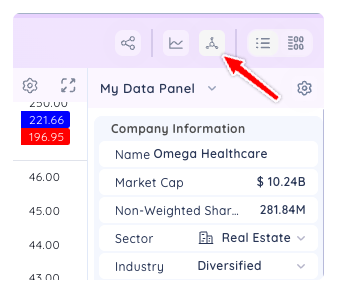
To access the Data Panel, click the Data Panel icon in the header
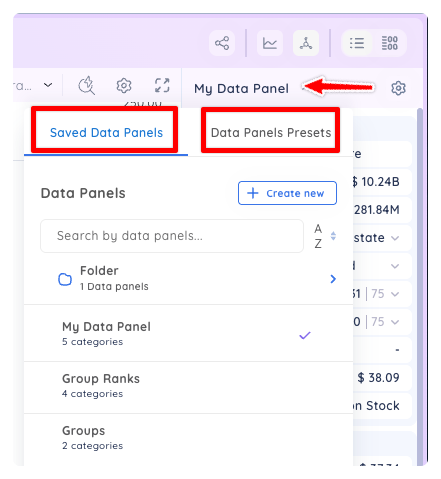
The default Data Panel will be loaded automatically but you can also access other custom data panels you create or access one of our many preset Data Panels.
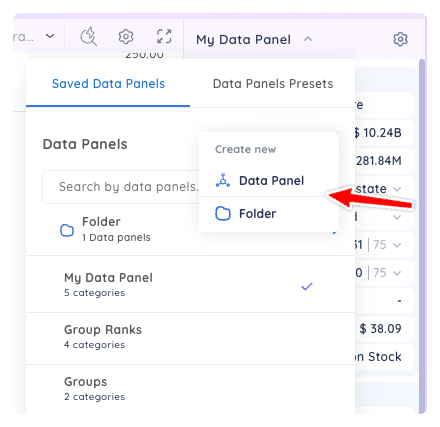
Inside the drop down menu you can also create new custom data panels and folders to keep all your Data Panels organized. Click on create new and select either Data Panel or Folder, then follow the prompts.
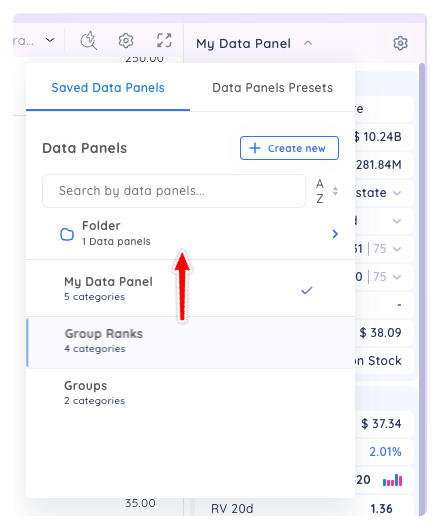
You can drag and drop data panels within the drop down menu to organize them or place them into folders. Click and hold on an item, then drag it to where you want it.