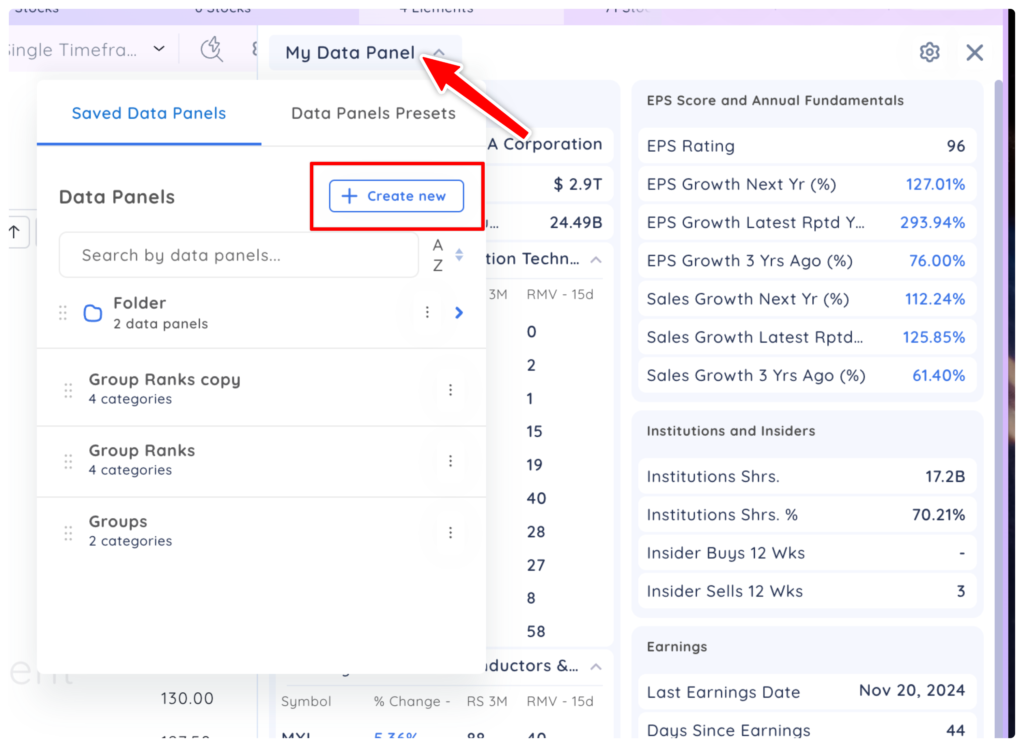
- Click the Data Panel drop-down menu, then click ‘Create new’ and select Folder
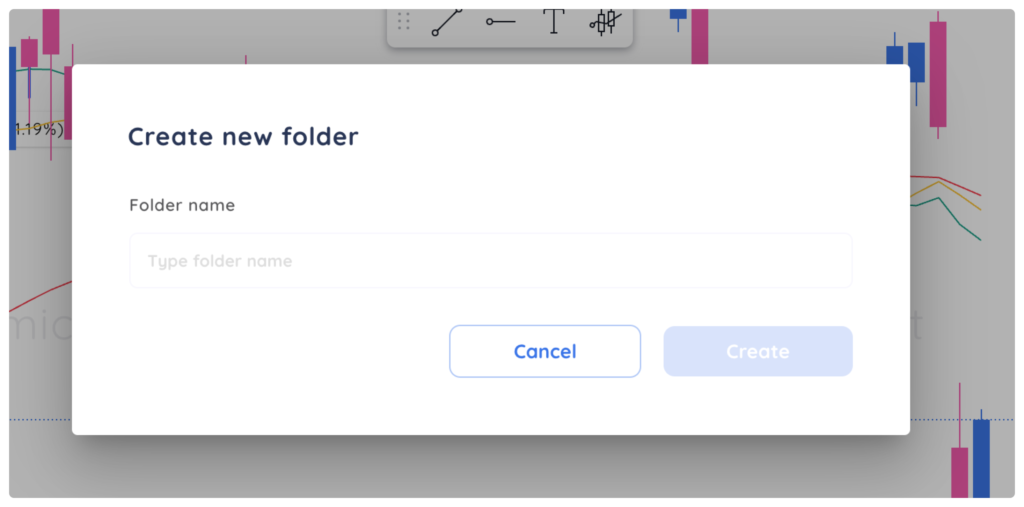
2. Name your new ‘Folder,’ then click ‘Create.”
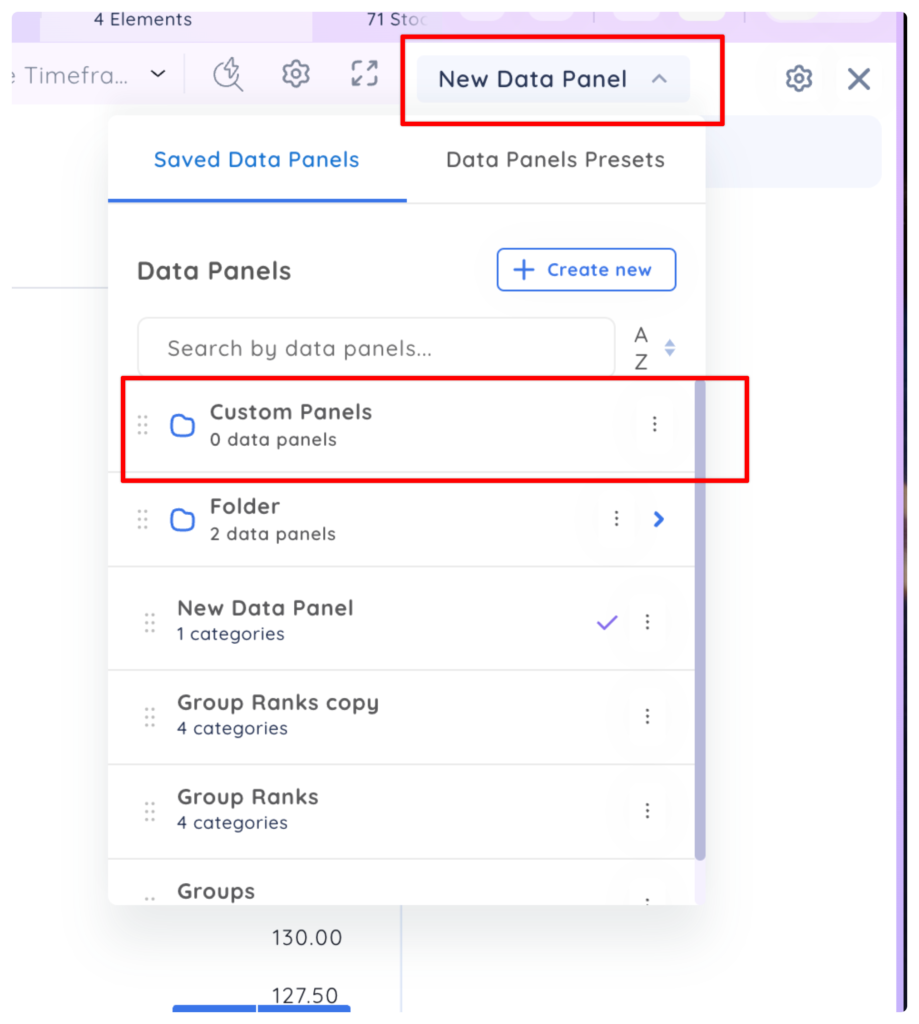
3. A new ‘Folder’ named ‘Custom Panels’ appears under the drop-down.
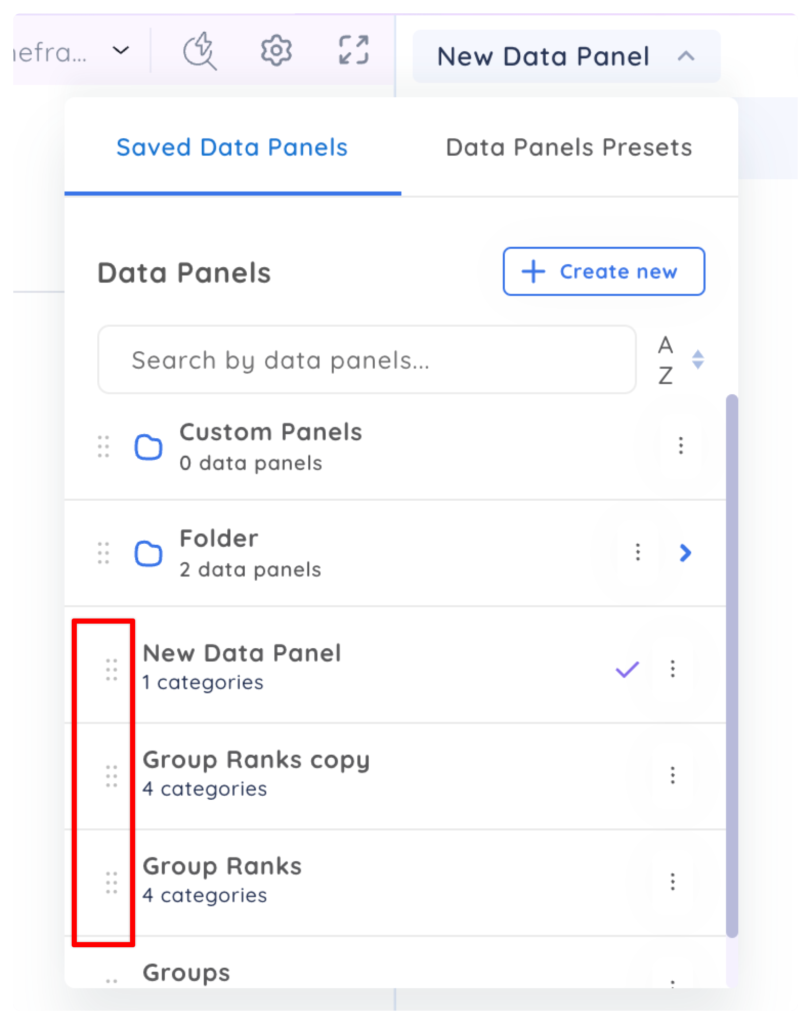
4. Drag and drop your Data Panels into folders with the drag and drop icons.