
You can toggle the application theme and charts between light mode and dark mode under the Account menu in the left hand main navigation menu. Click on the slider to toggle between theme modes.
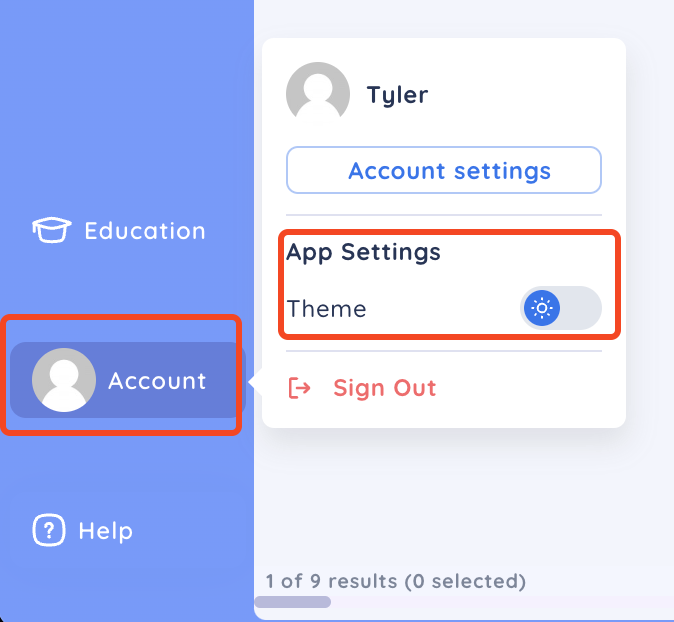
After toggling the slider you will be asked to confirm if you want to also change the chart to the selected theme.

If you click No, then your chart settings including the background colour will be preserved and not change to the selected theme. For example, if your chart background is yellow then your chart will remain yellow but the rest of the application will change to the selected theme.
If you click Yes, then your chart settings including the background colour will be changed to the default settings for the selected theme. For example, if your chart background is yellow then your chart background will change to white or black along with the rest of the application, depending in the theme you have selected.