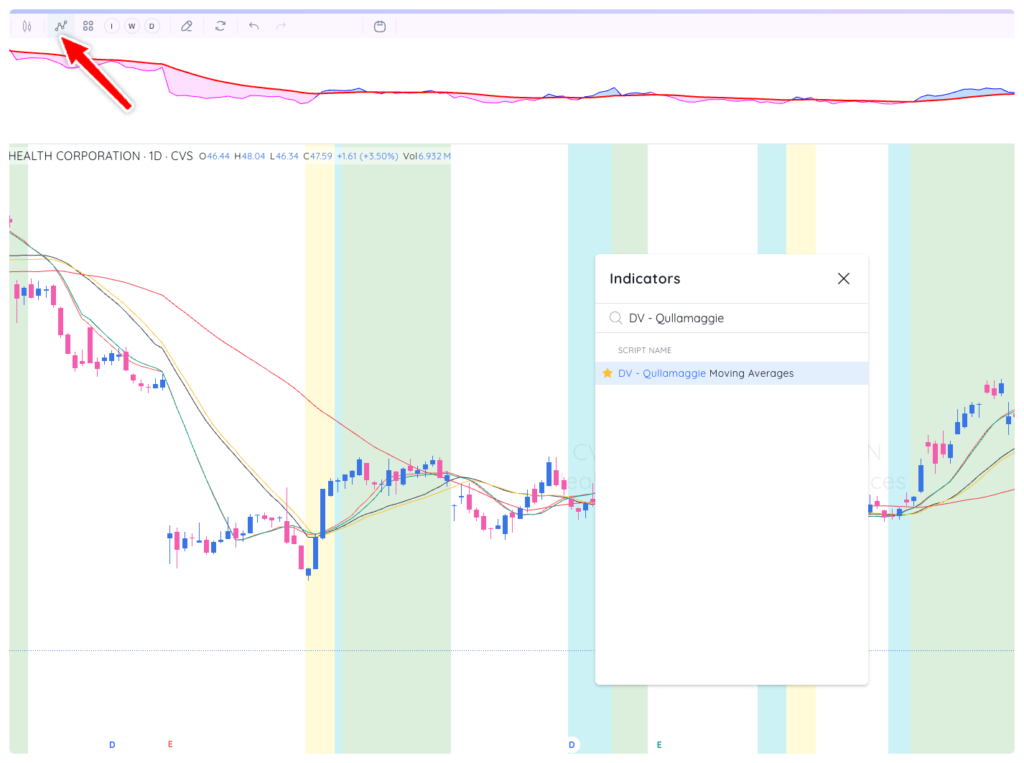
DV ‘Qullamaggie Moving Averages’ is an indicator that can be accessed by navigating to the indicators section, typing in ‘DV,’ and then selecting ‘DV Qullamaggie Moving Averages.’ The ‘Qullamaggie Moving Averages’ will appear in the main panel of the chart, behind a stock’s price action.
The ‘Qullamaggie Moving Averages’ work in the following manner:
Color 1: Both MAs are trending up; the first MA is greater than the second MA.
Color 2: Only the first MA is trending up and greater than the second MA.
Color 3: Neither MA is trending up, but the first MA is still greater than the second MA.
No color: Otherwise
Settings
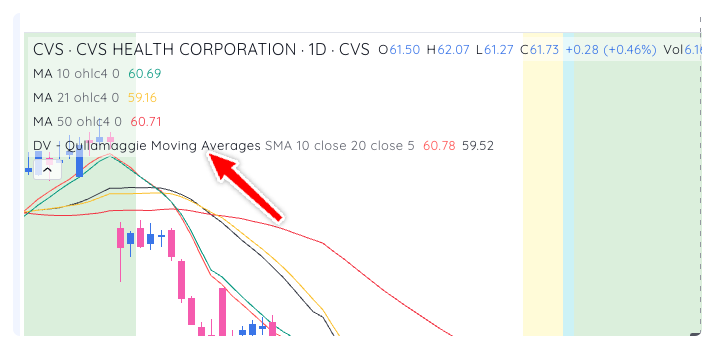
Customize the indicator or adjust the settings by clicking the gear icon next to the indicator name in the chart legend
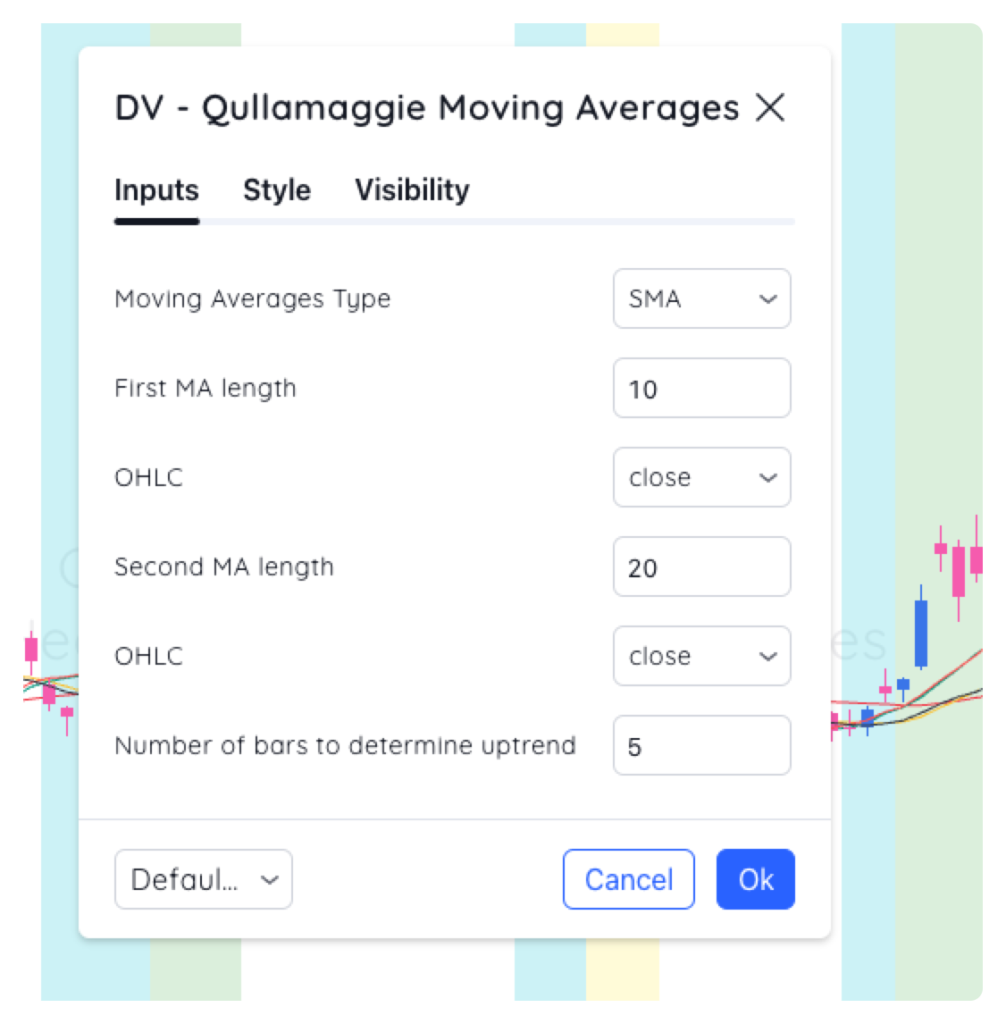
Inputs
Change the MA type and length on the Inputs tab.
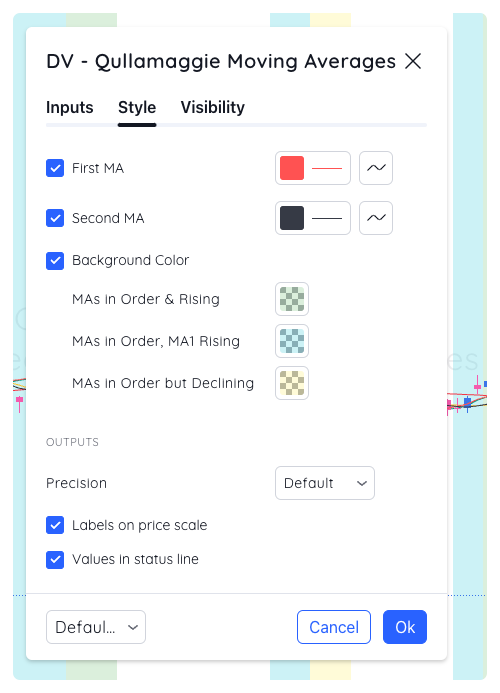
Style
Customize the colours and styling on the Style tab