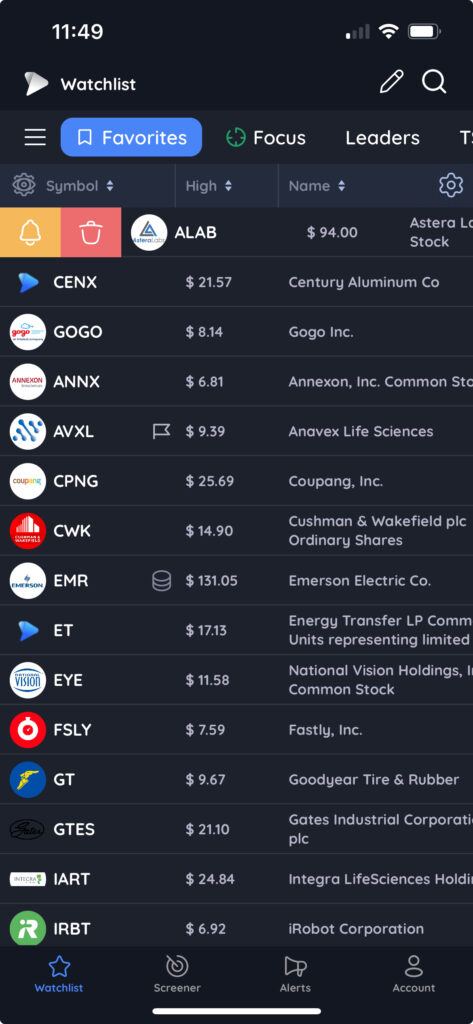
To set an alert on any symbol on mobile, swipe right on the row in any screener or watchlist. Then tap the yellow bell icon.
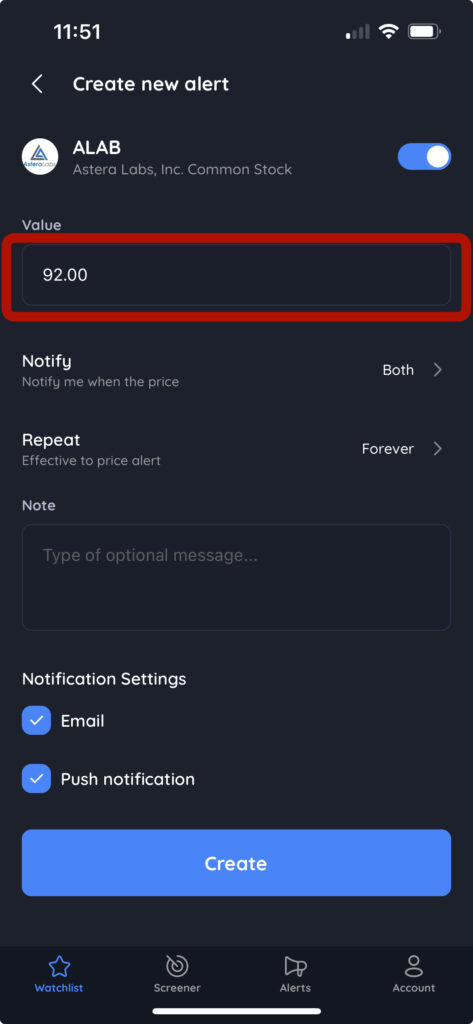
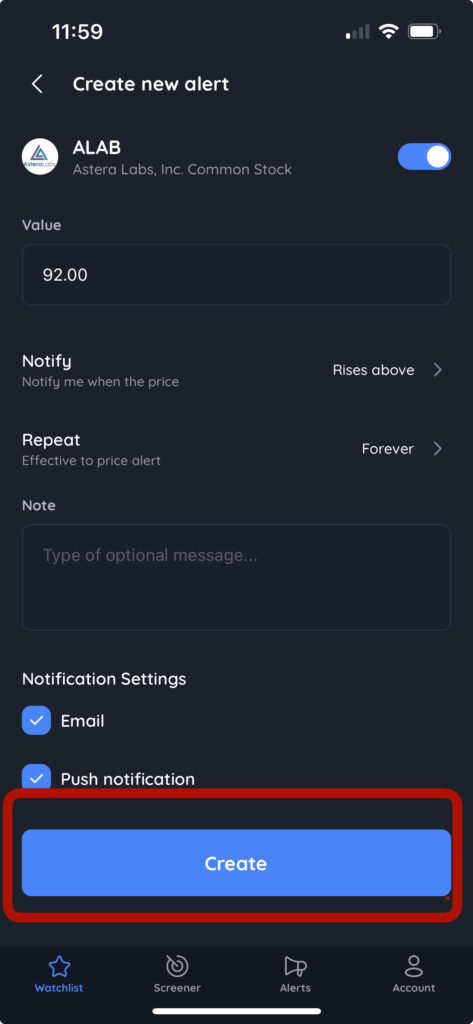
In the create new alert pop-up, enter a price in the Value field
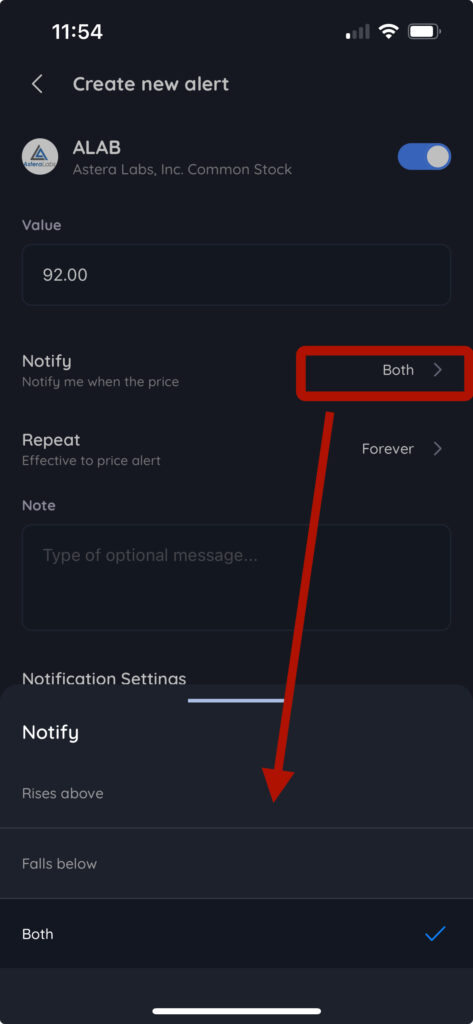
You can adjust the notify settings and duration of the alert using the menus
After you have set your alert price and customized the settings, click Create
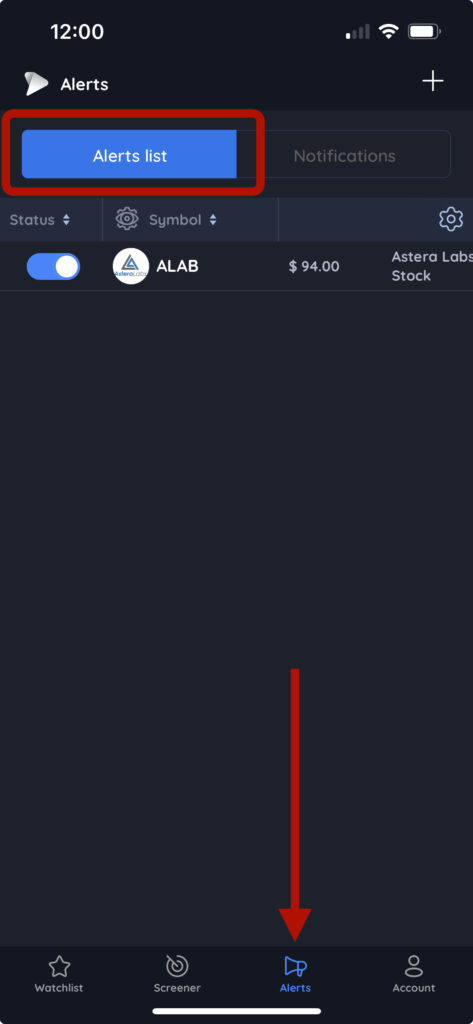
Your alert will now appear in the Alerts list on the Alerts tab