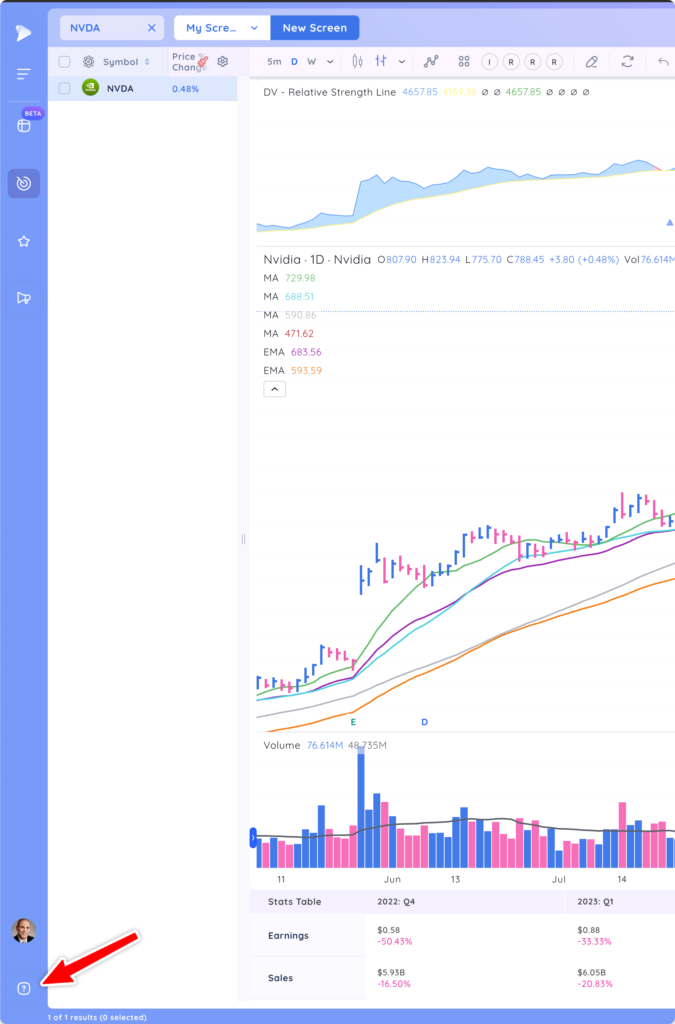
How to access the support menu
On the bottom left corner of your screen click on the ‘?’ icon.
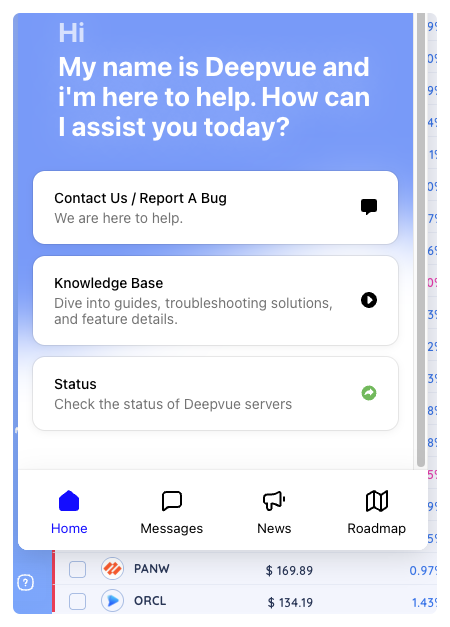
The pop-up that appears is the support menu. From here you can use Deepvue’s AI to ask questions, contact our customer support team, submit a bug, access the Deepvue knowledge base or check the status of Deepvue’s services.
Deepvue AI
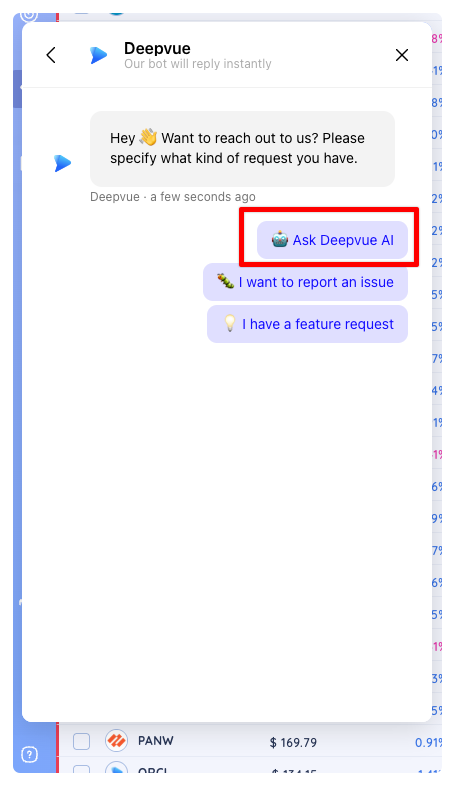
To get help with general questions or how to use a feature, click on Contact Us / Report A Bug then select Ask Deepvue AI. Deepvue’s AI assistant will instantly give you customized detailed steps to guide you through set-up or how to use features to get the most out of Deepvue.
If at any point Deepvue AI can’t answer your questions, you can send a message to our customer support team who will get back to you with an answer.
Report an Issue
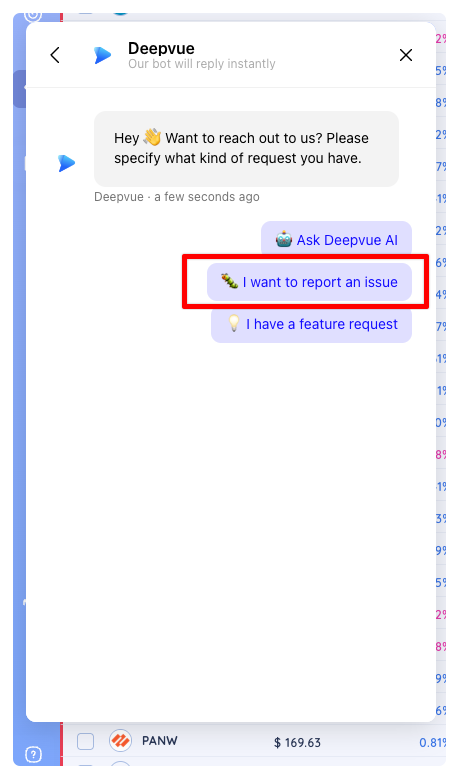
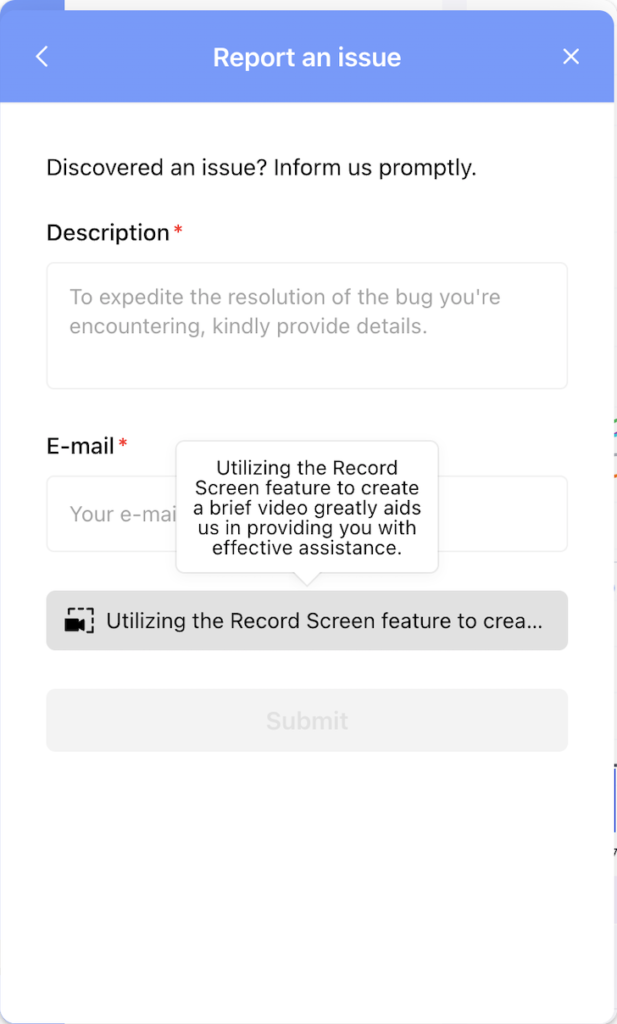
If you encounter an issue with Deepvue or a feature isn’t working quite right, select the second option: I want to report an issue. Use the built in screen recording function to show us the issue or take a screenshot. Your microphone can be enabled as well so you can add helpful commentary to explain the issue.
Submit a Feature Request
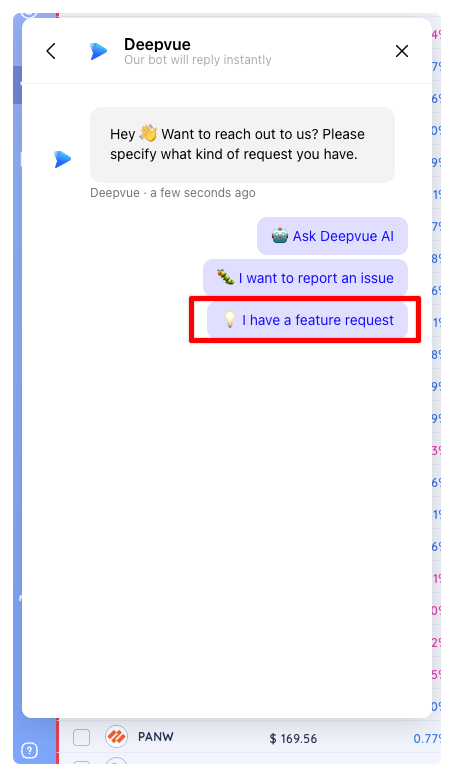
If you have a brilliant idea for a Deepvue feature, please click the third option to send us your idea for consideration. The more detail you add to the feature request the faster we can get it implemented. All submitted ideas are considered.
Knowledge Base
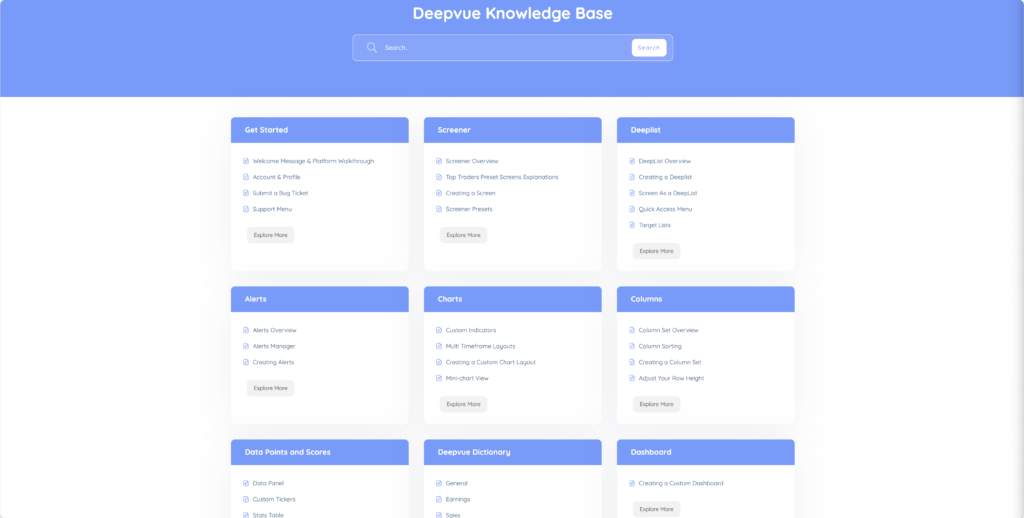
For more detailed explanations on all of Deepvue’s features and data points, please check out the Knowledge Base or visit this link: https://docs.deepvue.com
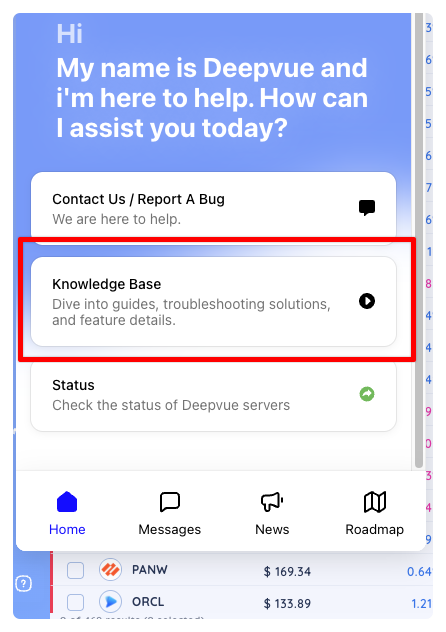
In the Knowledge Base you can browse by category or use the search to find specific articles
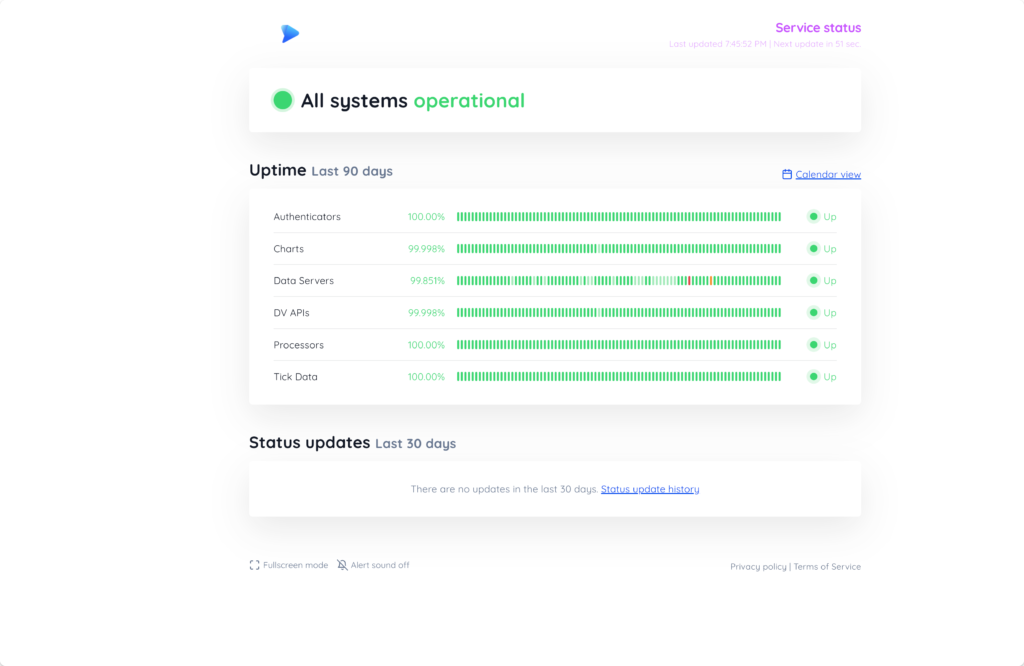
Status
This will take you to the following link where you can view the status of Deepvue’s systems: https://status.deepvue.com/
Messages
Send and receive messages here.

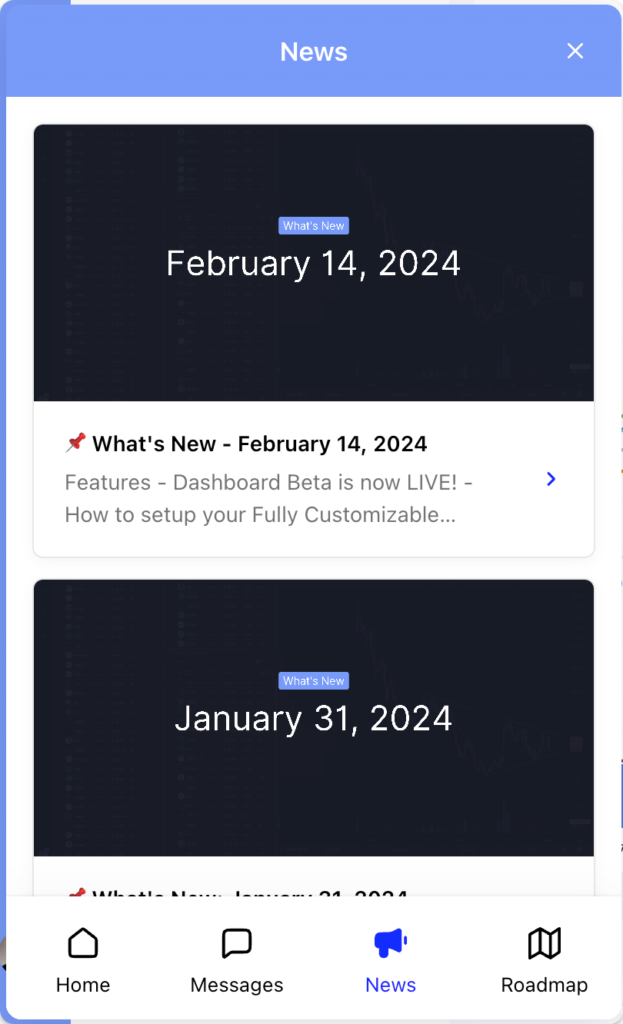
News
Stay up to date on all of the latest feature updates, bug fixes, and other Deepvue news.
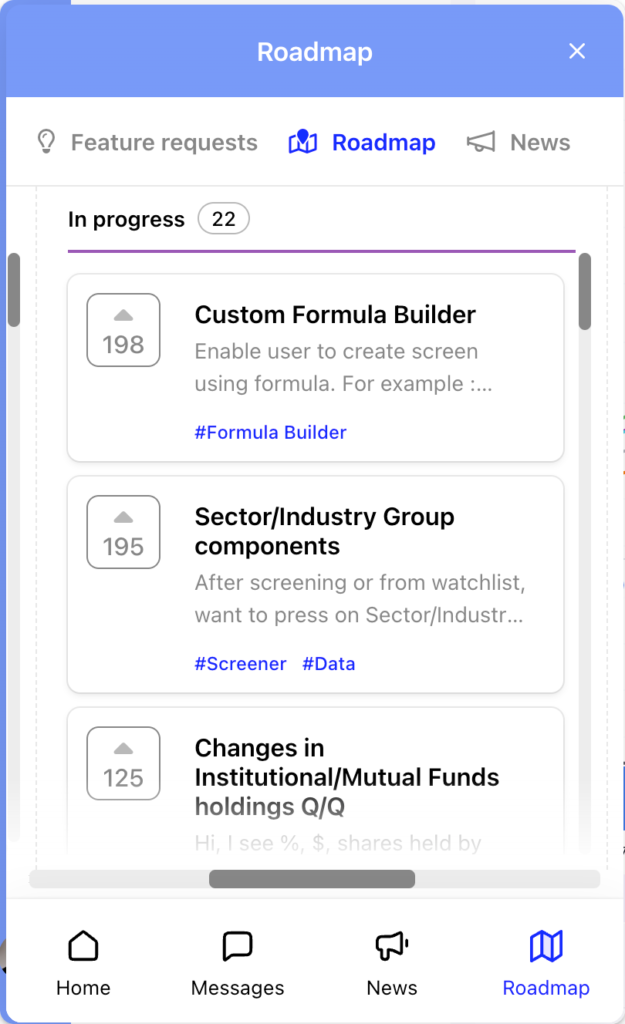
Roadmap
Easy access to Deepvue’s Roadmap and feature requests