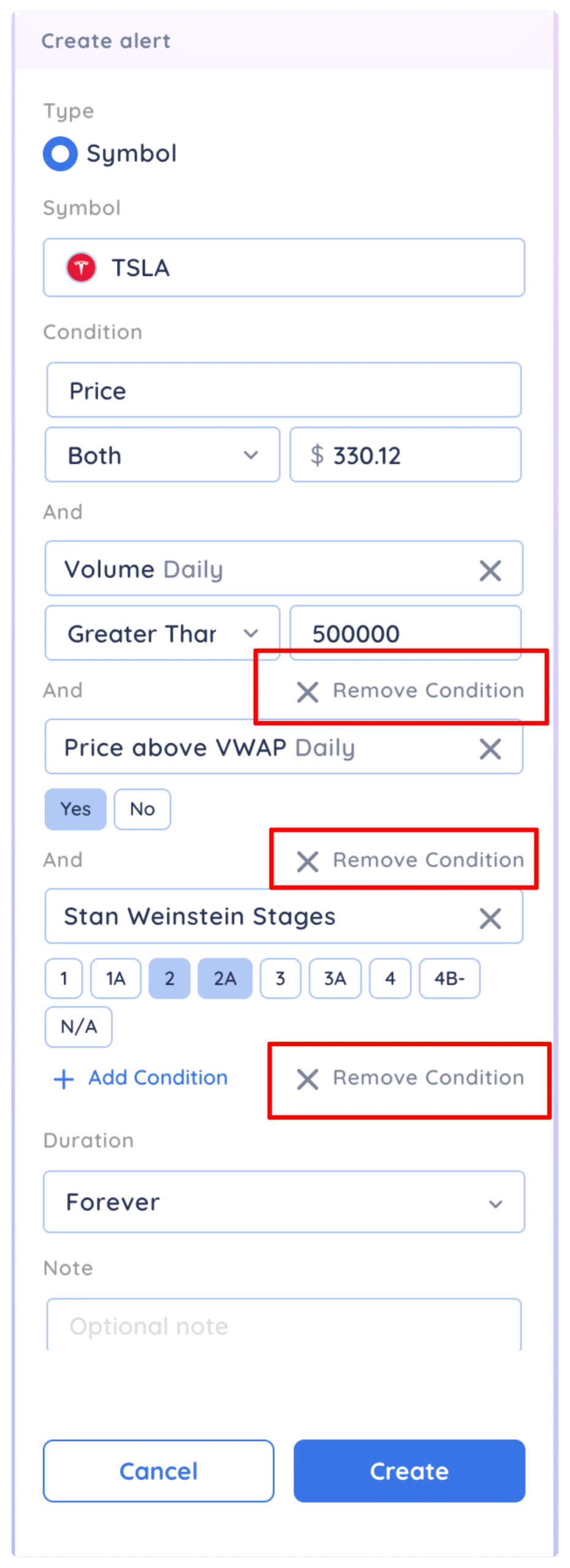
You can add multiple conditions to both price and trendline alerts. For example, you can set a price alert where price has to be greater than certain $ amount AND the daily volume has to be greater than 1 milllion.
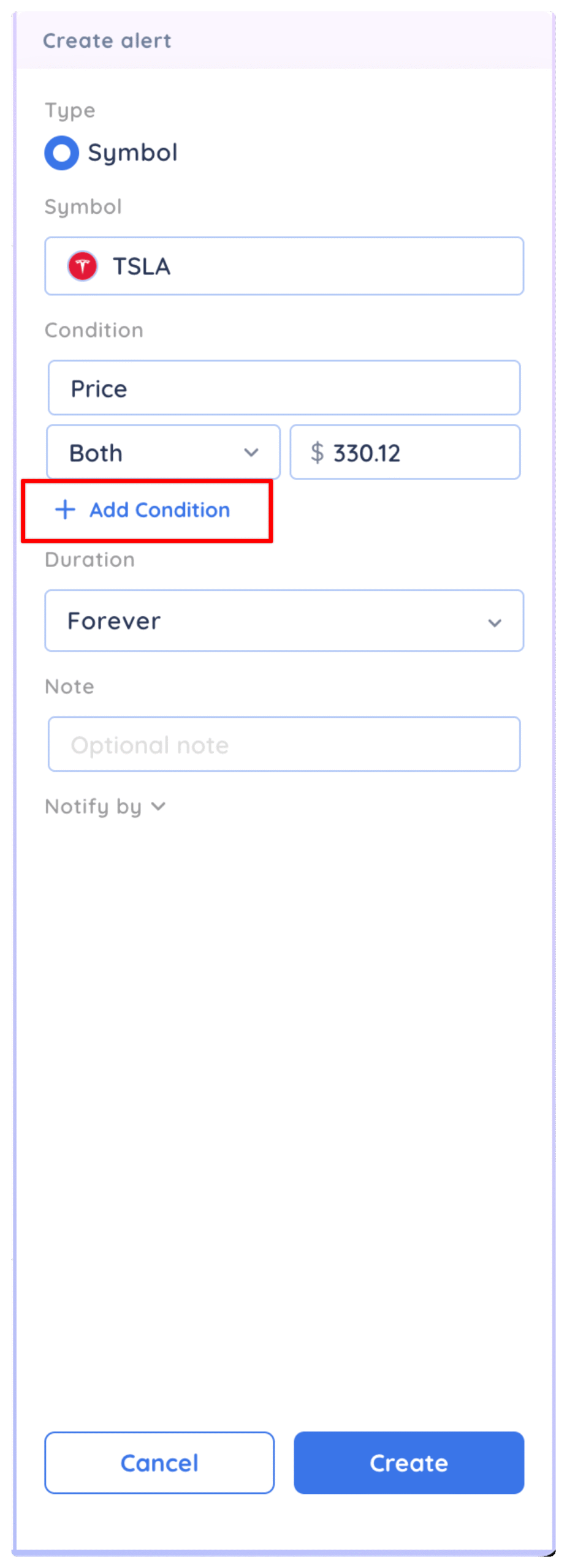
Set a price or trendline alert the same way you would for a single condition alert. Then, in the create alert panel click on + Add Condition
You can then search for the data point you want to add as the second condition. In this example we have added daily volume greater than 500,000
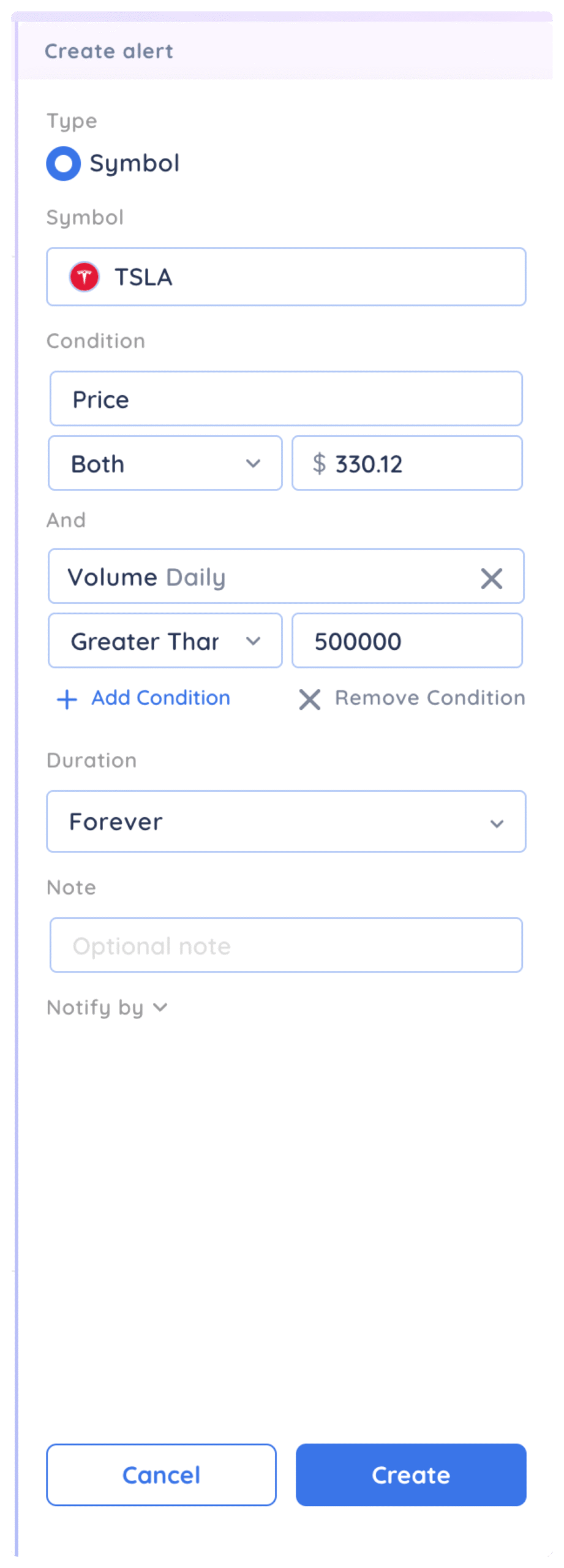
In order for the alert to trigger, ALL conditions must be met.
You can add up to 5 additional conditions to your alert including Yes/No conditions, percentages, dollar figures or integers. To add another condition, click the + Add Condition button again and searching for the data point you want.
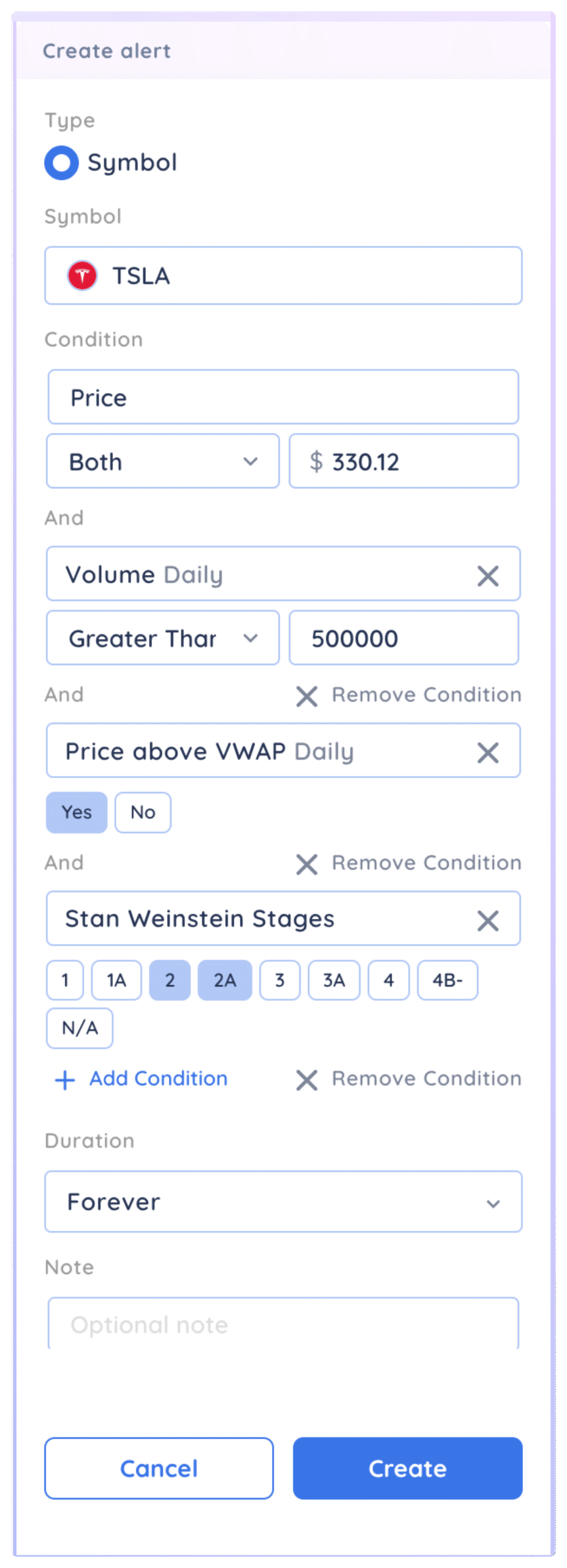
To remove conditions, click on remove condition