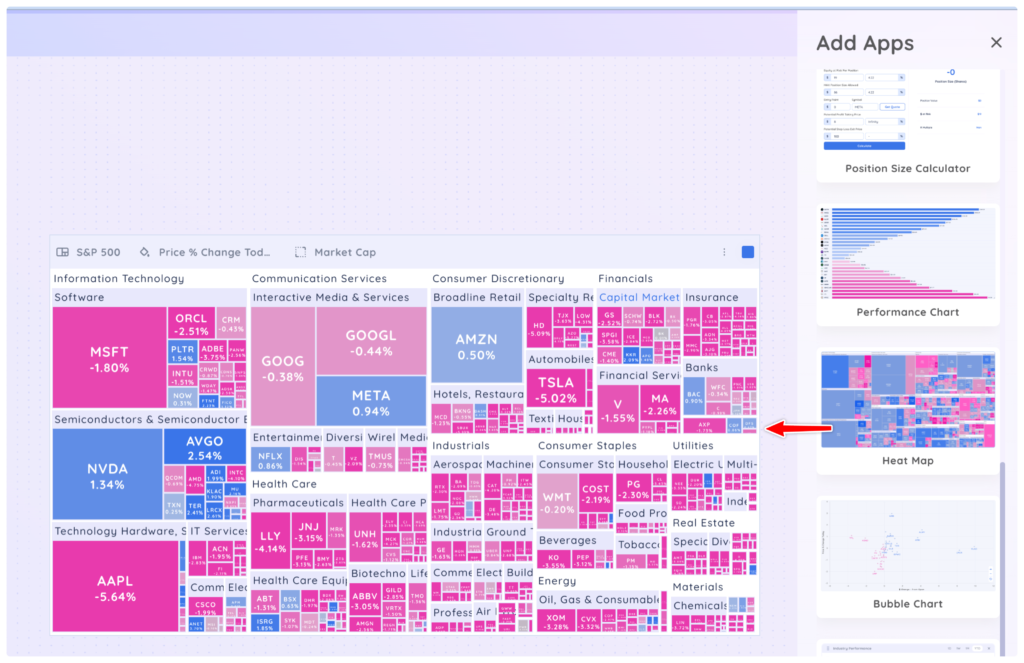
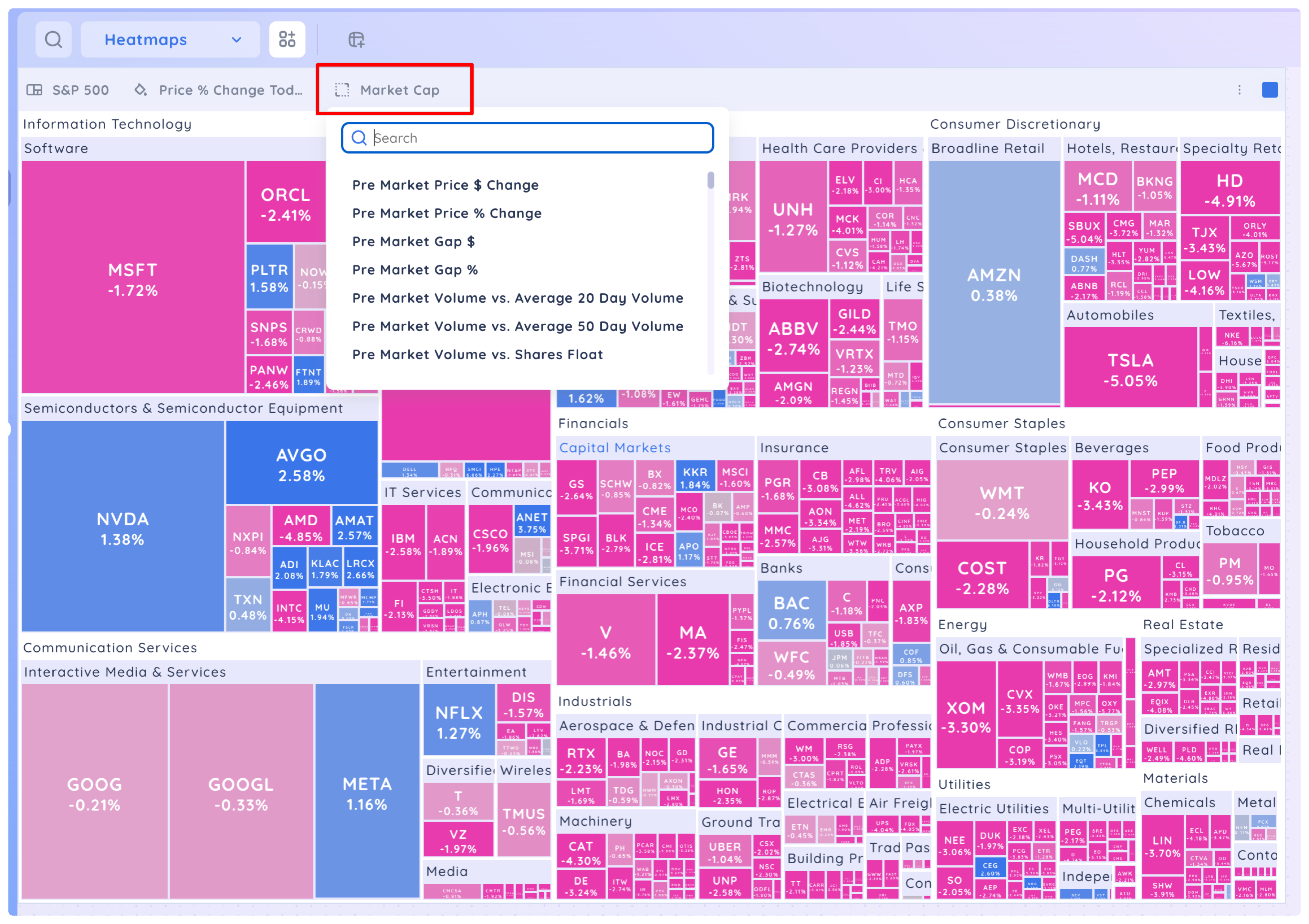
Drag and drop the ‘Heat Map’ app onto your Dashboard. You may need to scroll down the Add App Menu to find ‘Heat Map.’ The Heat Map will load the S&P500 preset screen, colour the boxes according to Price % Change Today and size the boxes by market cap by default.
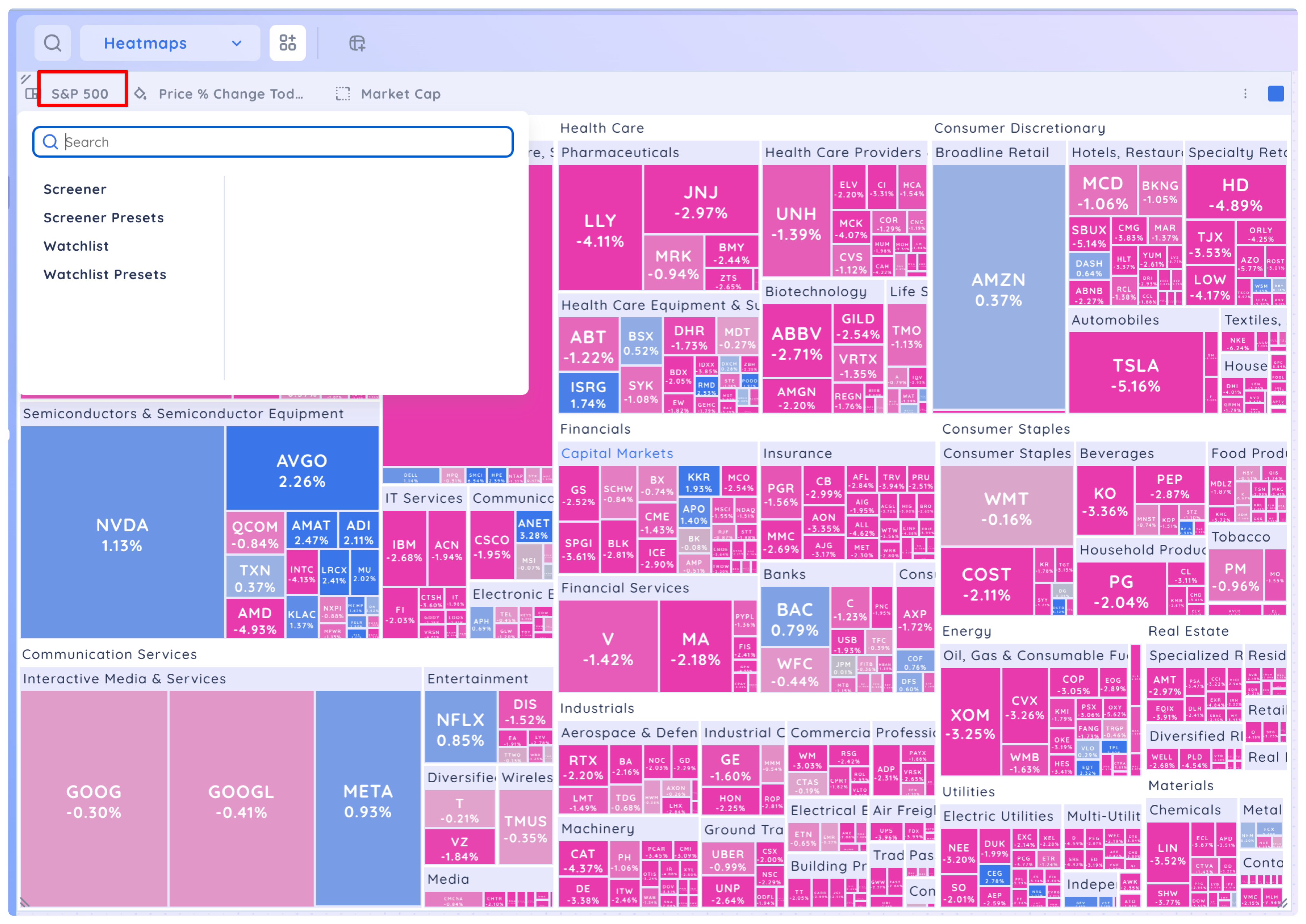
Select a ‘Screener’ or ‘Watchlist’ from the first drop-down menu.
Select a data point from the second drop down. This determines the colour of the boxes.
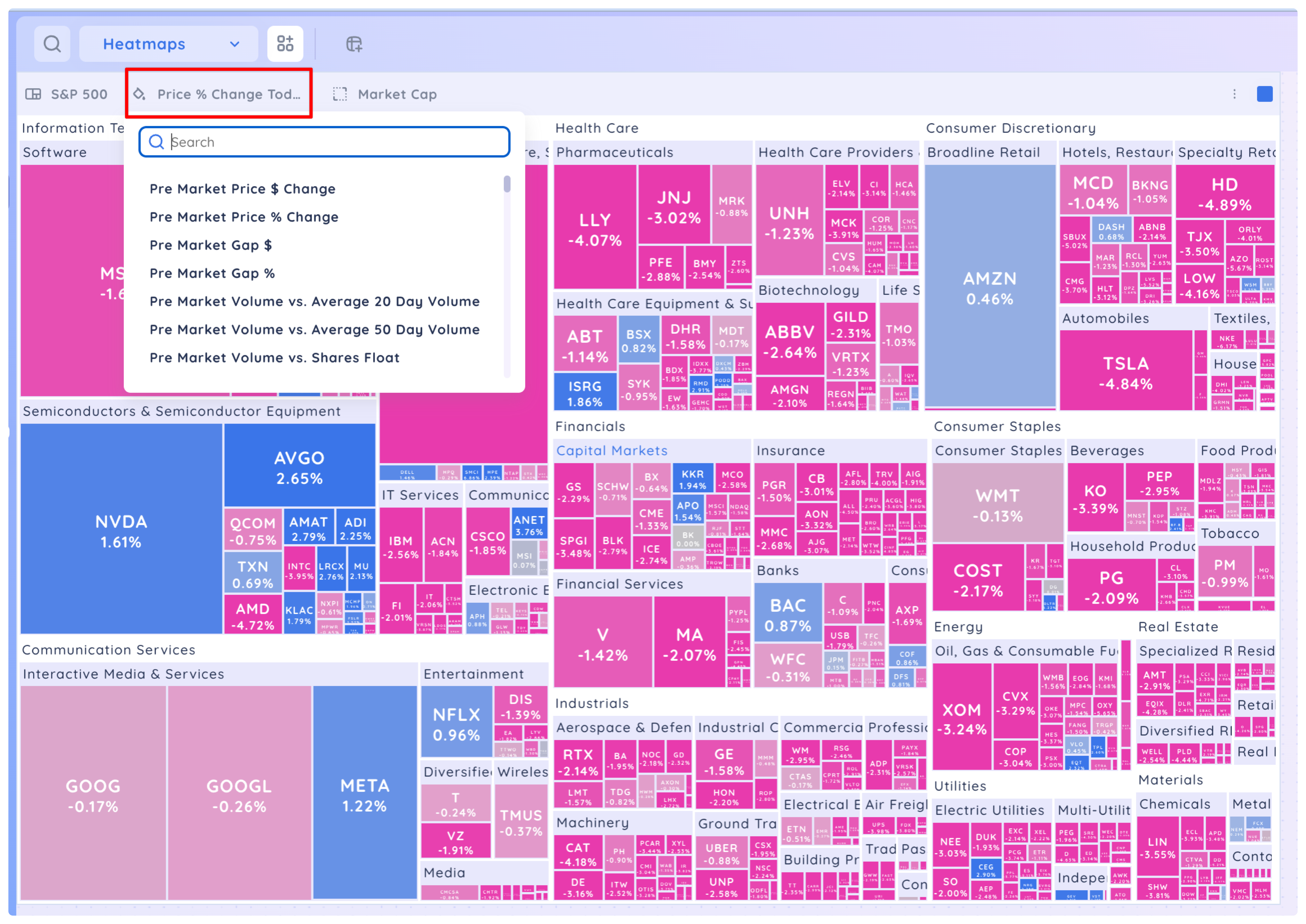
Select a second data point to determine the size of the boxes.
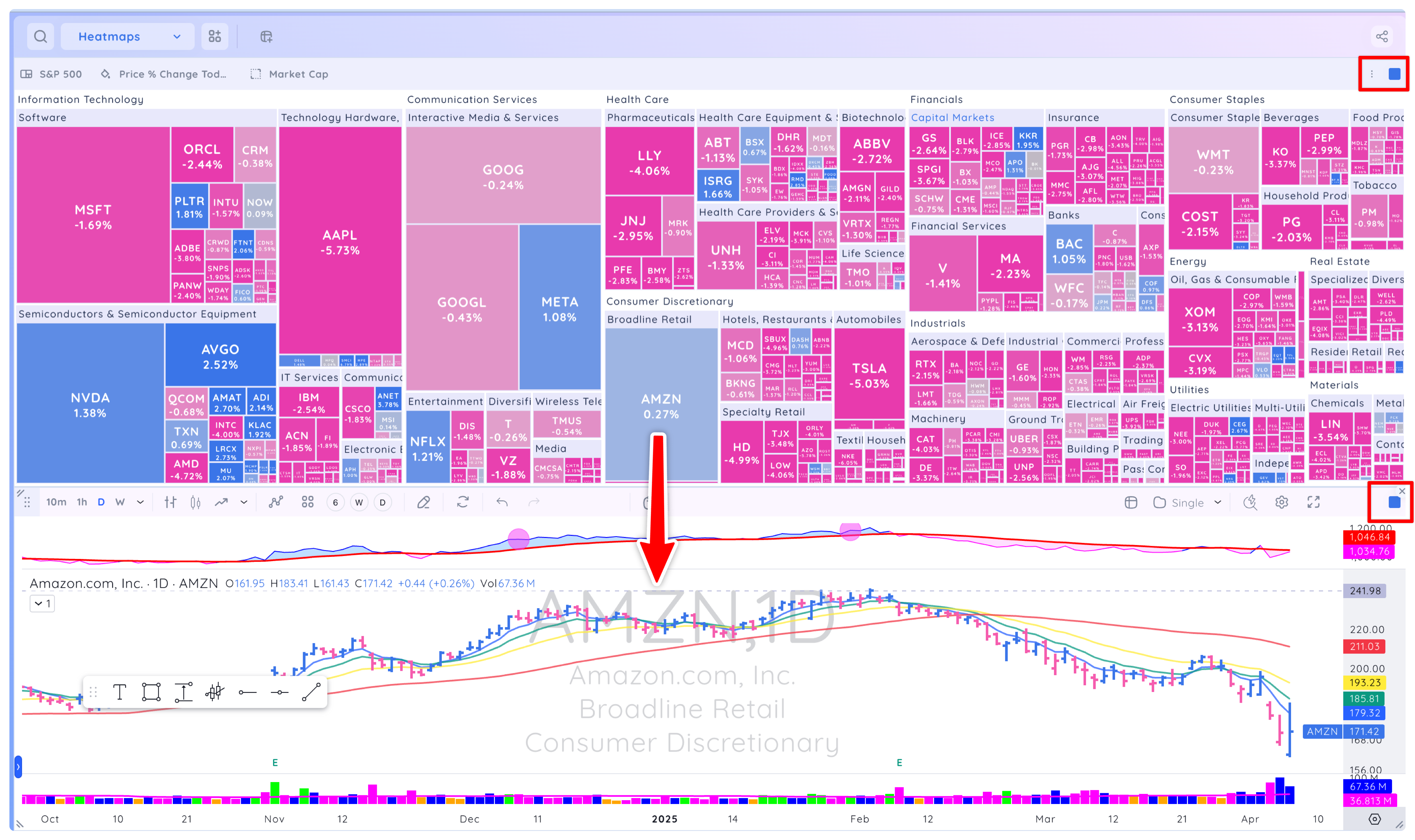
If you add a chart app to your dashboard and colour group it with the heat map, clicking a symbol in the heat map will show its chart.