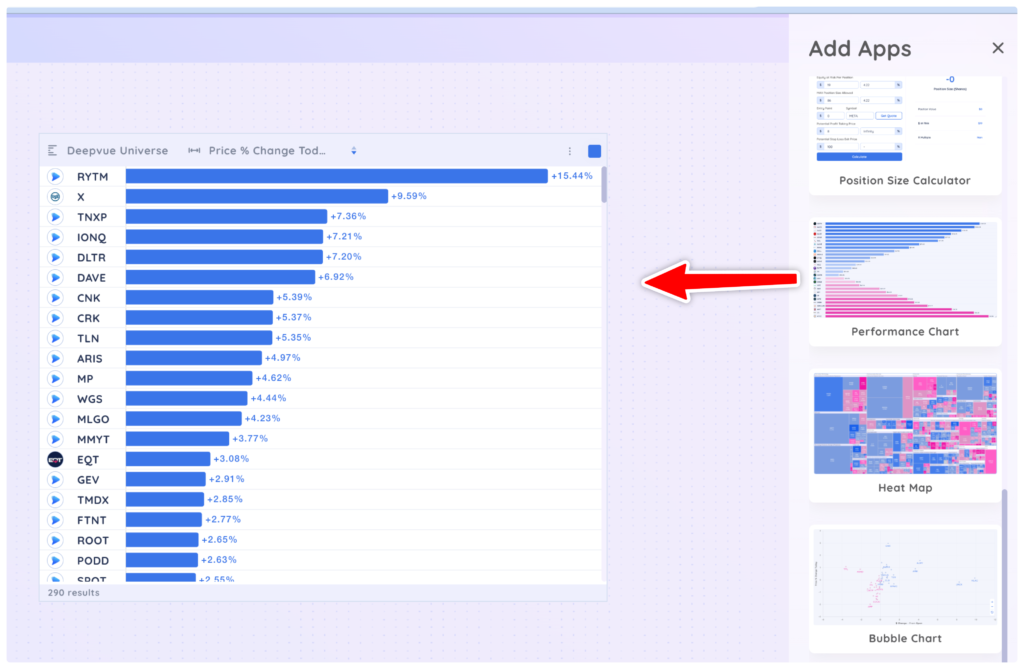
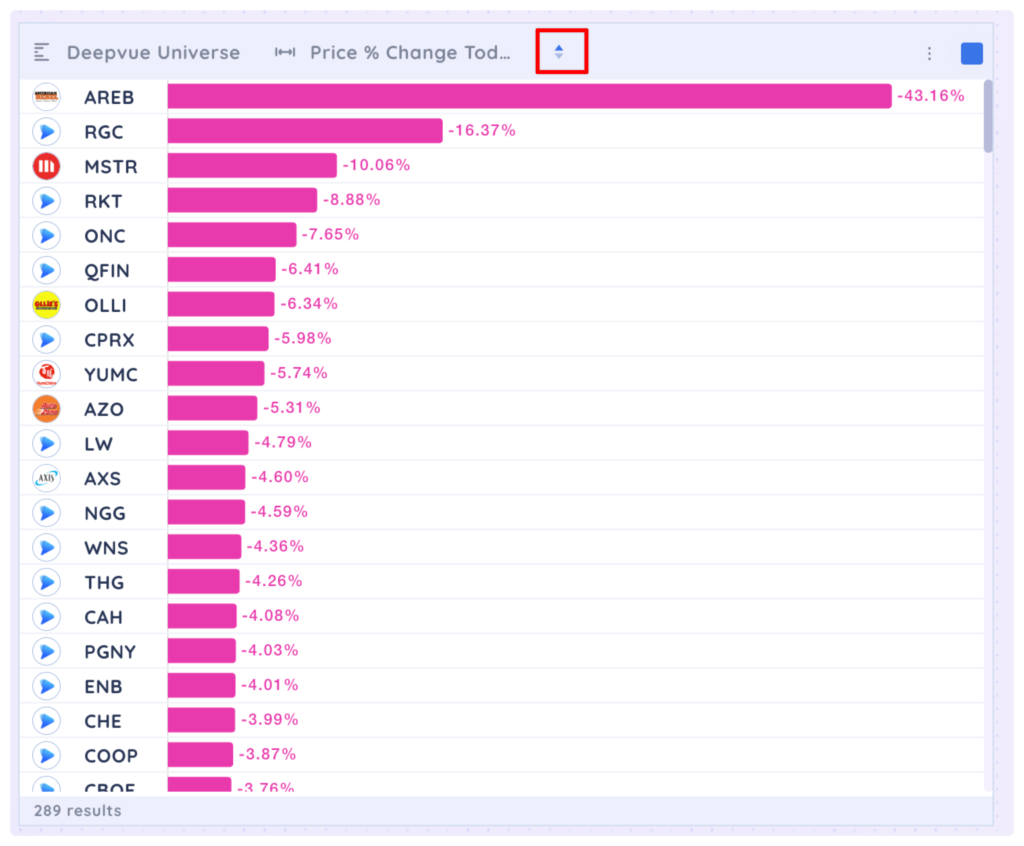
First, drag and drop a performance chart onto your dashboard from the Add Apps menu. The performance chart will select the Deepvue Universe preset screen and Price % Change Today data point by default.
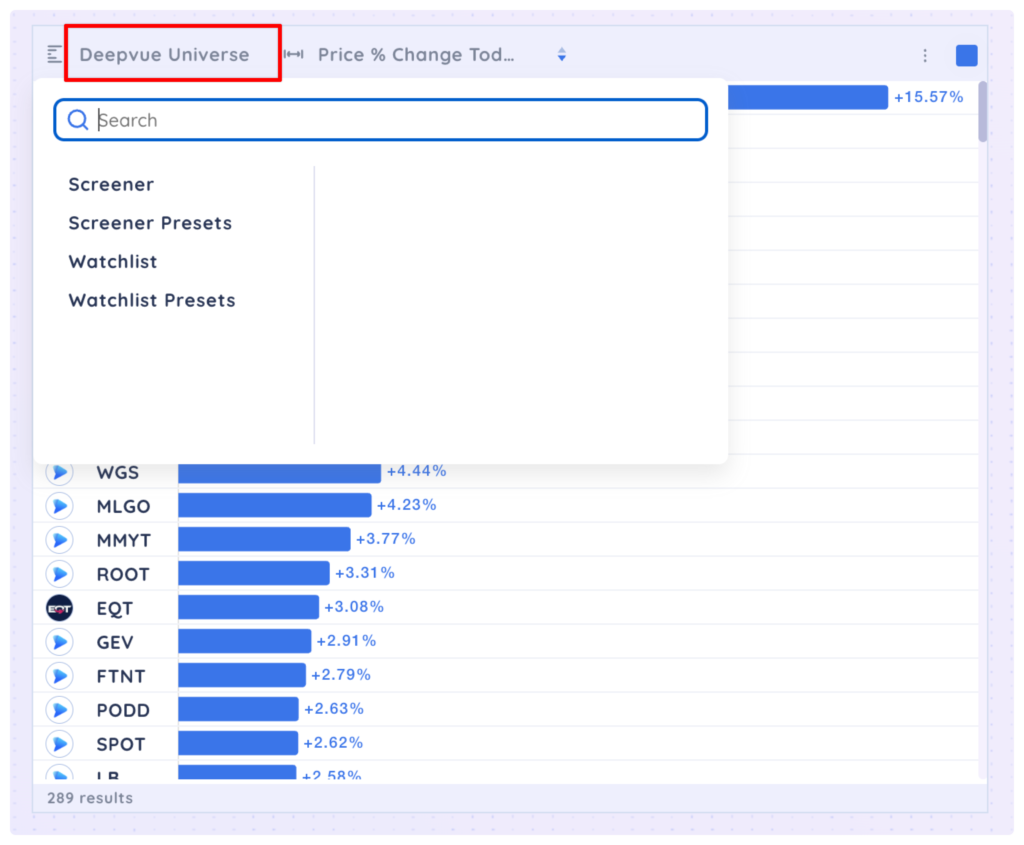
You can select any screen, watchlist or preset from the first dropdown menu.
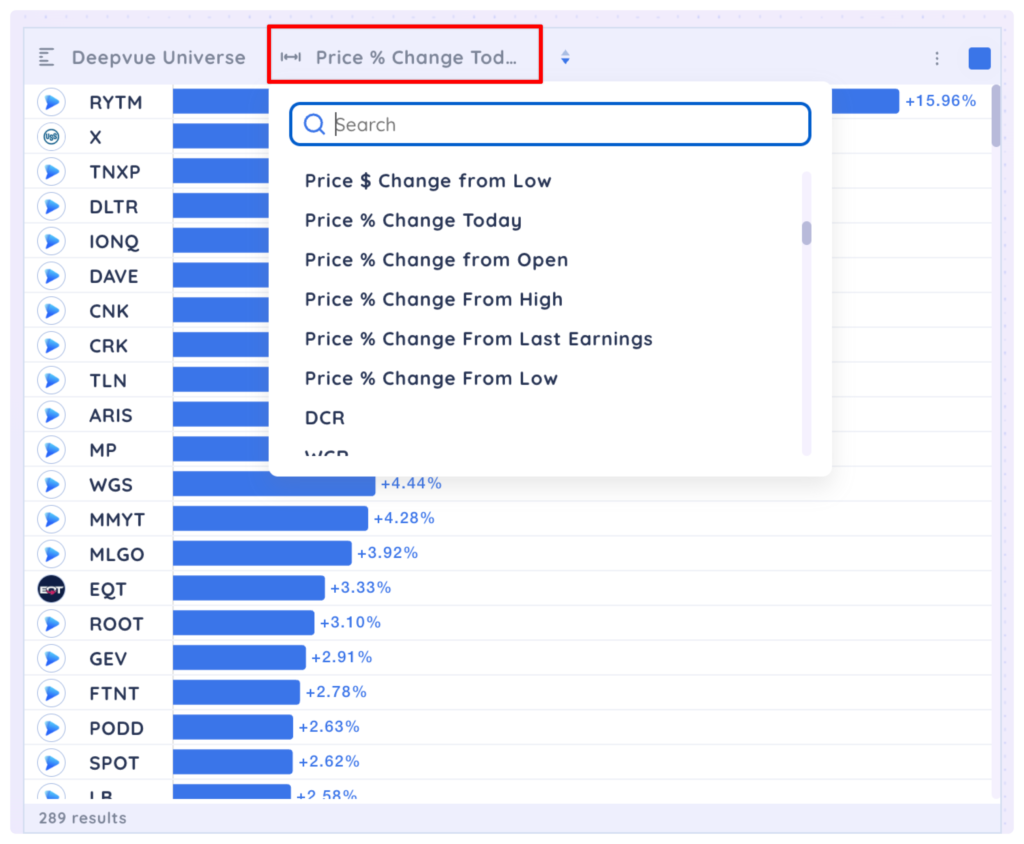
You can select different data points from the second dropdown menu. Use the search function to quickly find data points.
You can invert the sorting of the performance chart by clicking the arrow icon.
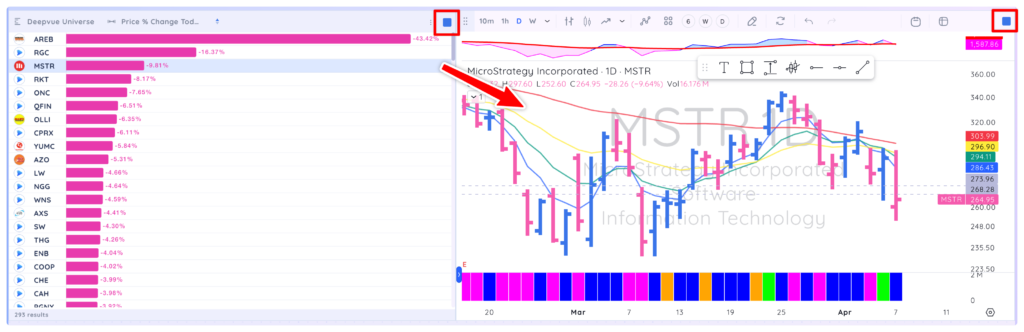
You can add a chart app to your dashboard, colour group it with the performance chart so you can see the chart of any symbol in the performance chart.