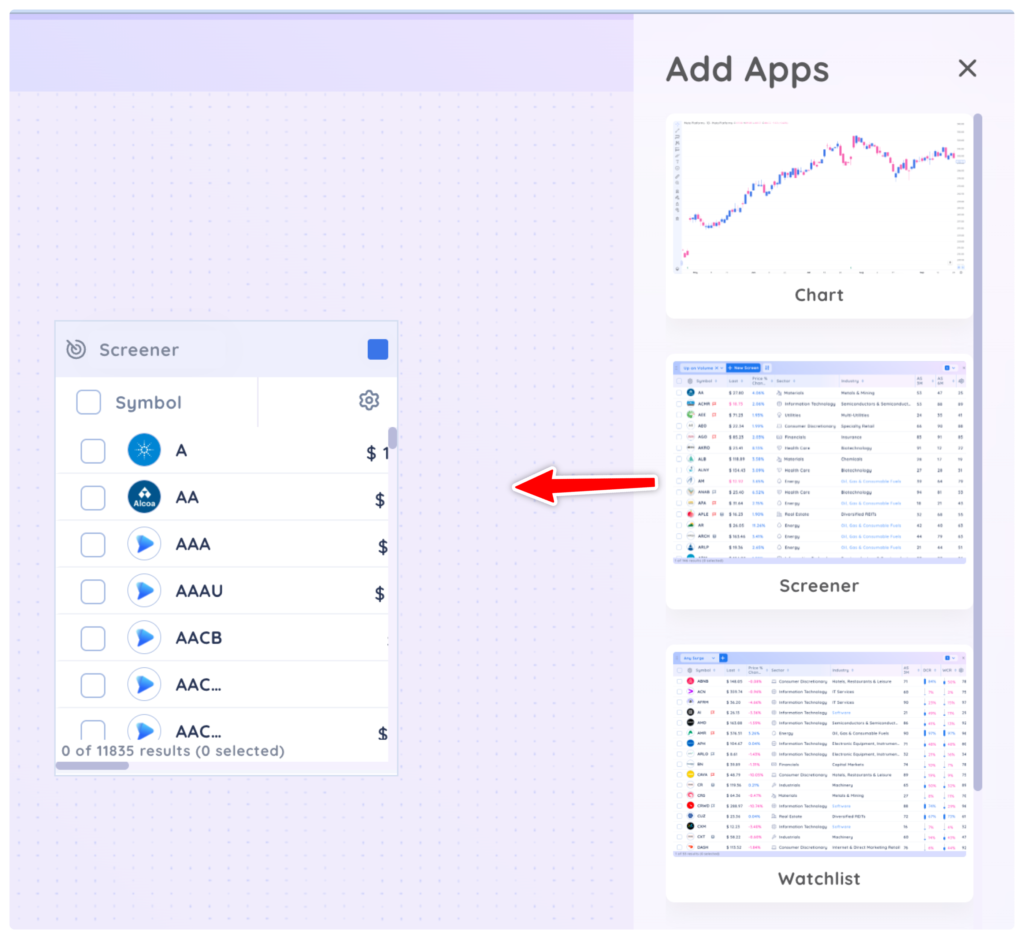
To get started, drag and drop the Screener app onto your dashboard from the add app menu
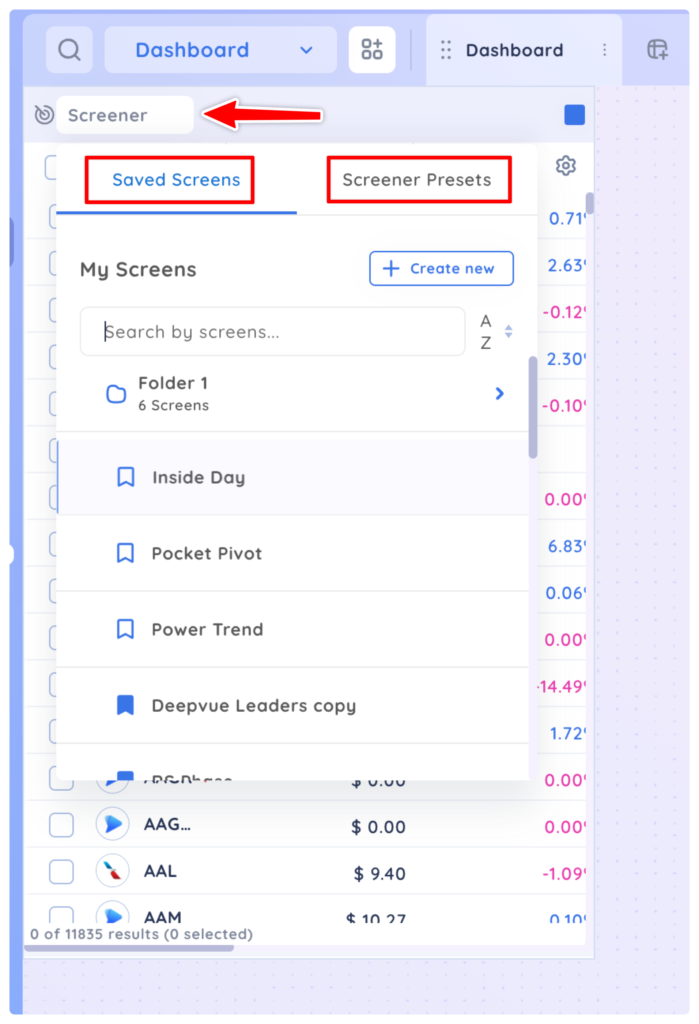
All of your custom screens and presets from the main Screener module are available under the dropdown menu in the dashboard screener app.
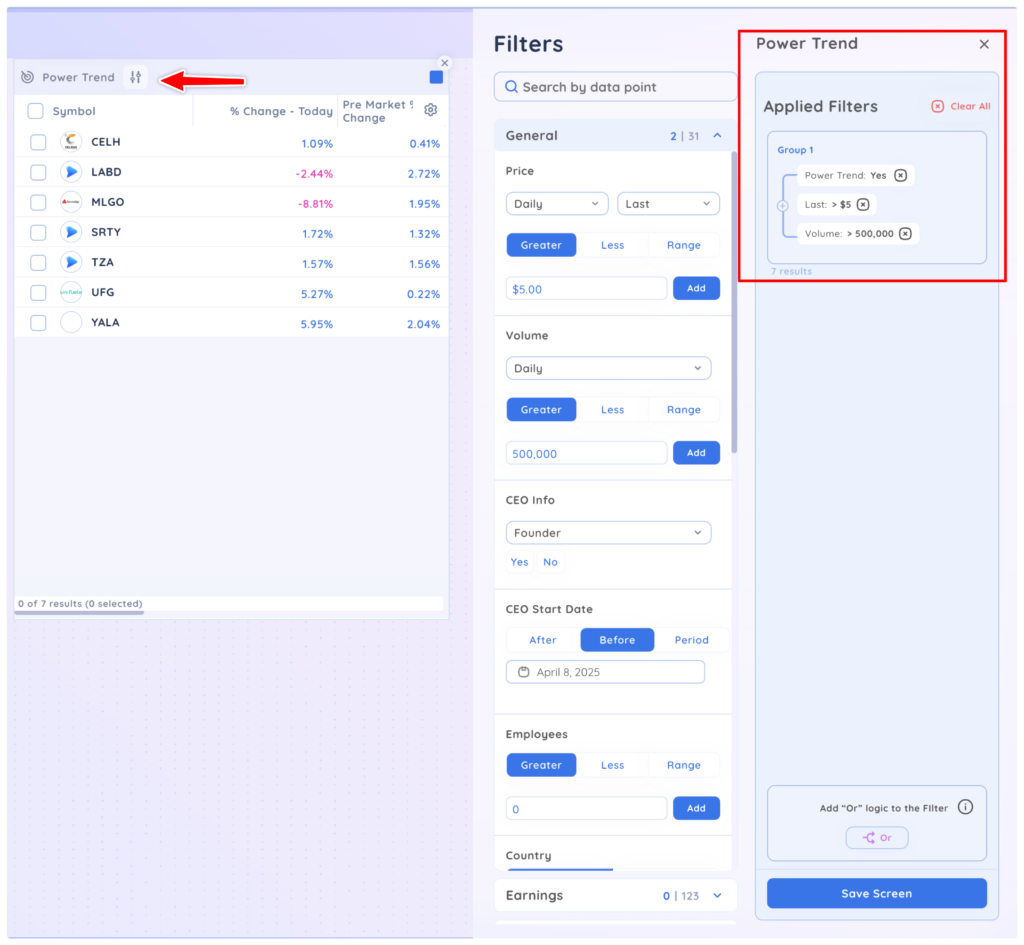
After selecting a screen from the dropdown, you can edit the screen filters by clicking the edit filter icon in the app.
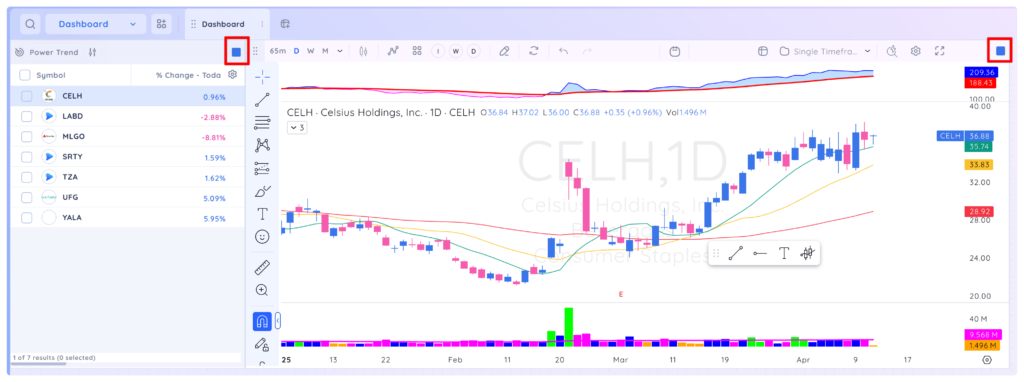
To see the chart of any symbol in your screener app, add a chart app to the dashboard and colour group it with the screener.
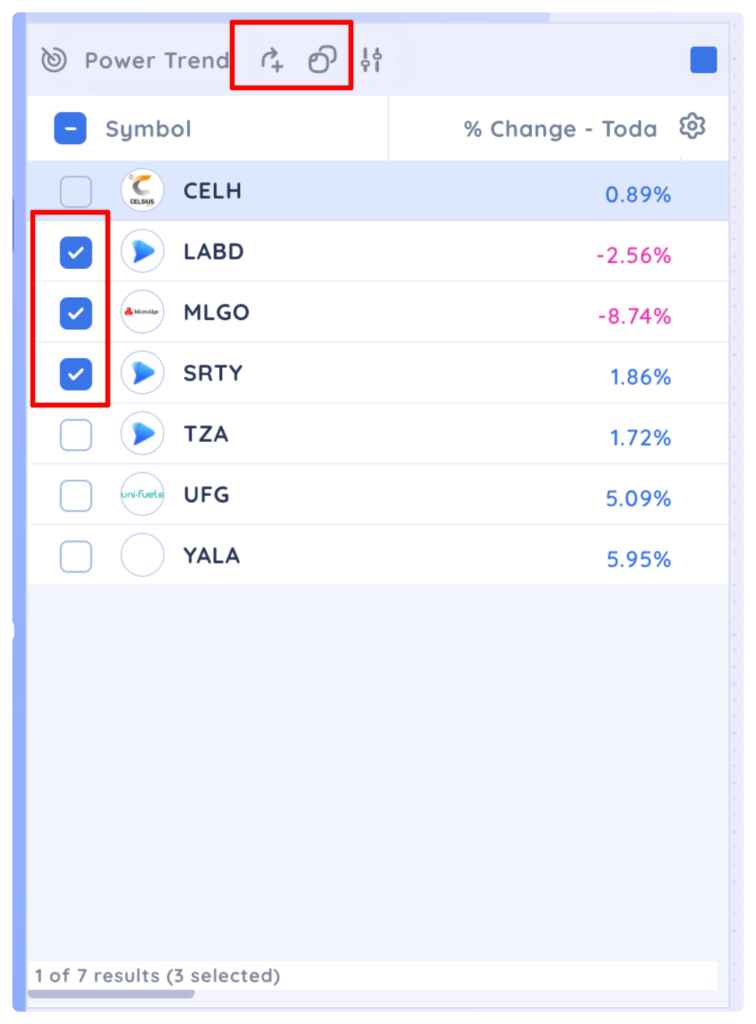
You can add symbols from the screener app directly to a watchlist or copy them by using the checkboxes and the Add To or Copy icon in the app header.