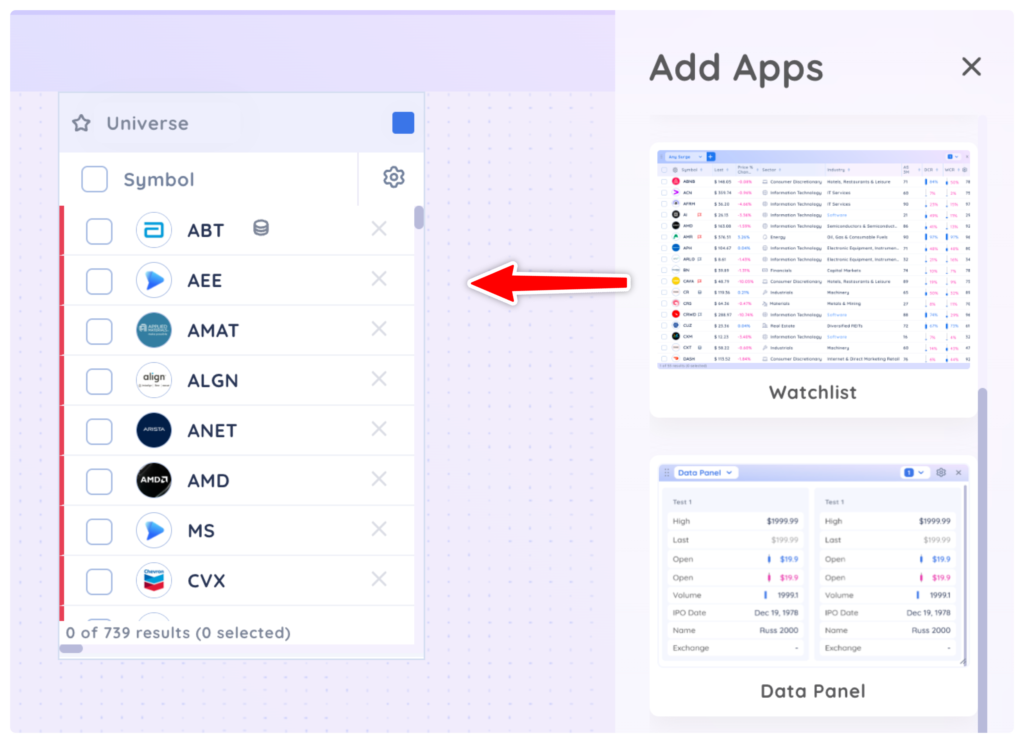
To get started, drag and drop a watchlist app onto your dashboard from the add app menu. Your Universe watchlist will be loaded by default.
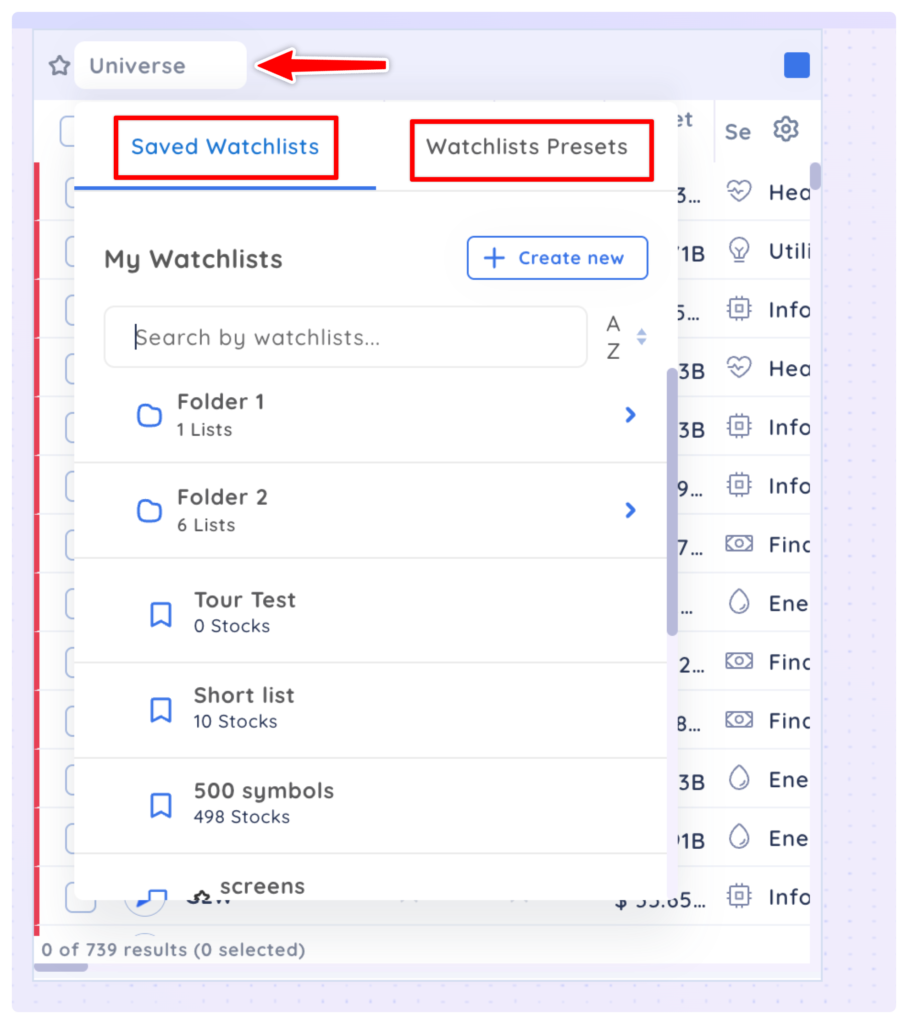
All your custom watchlists and preset watchlists from the main Watchlist module are available in the watchlist app under the dropdown menu.
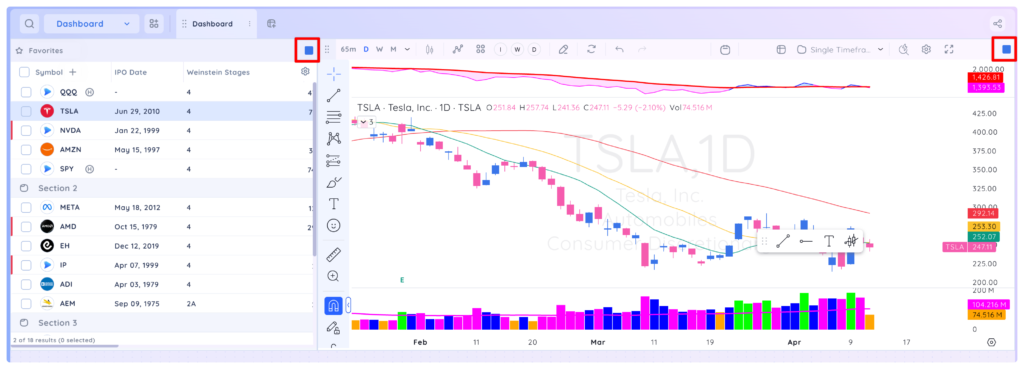
Add a chart app to your dashboard and colour group it with the watchlist app to see the chart of any symbol in your watchlist.
In the watchlist app you can perform all the same actions as the main Watchlist module such as create sections, drag and drop symbols within the list, use the quick access menu or explore ETF holdings.
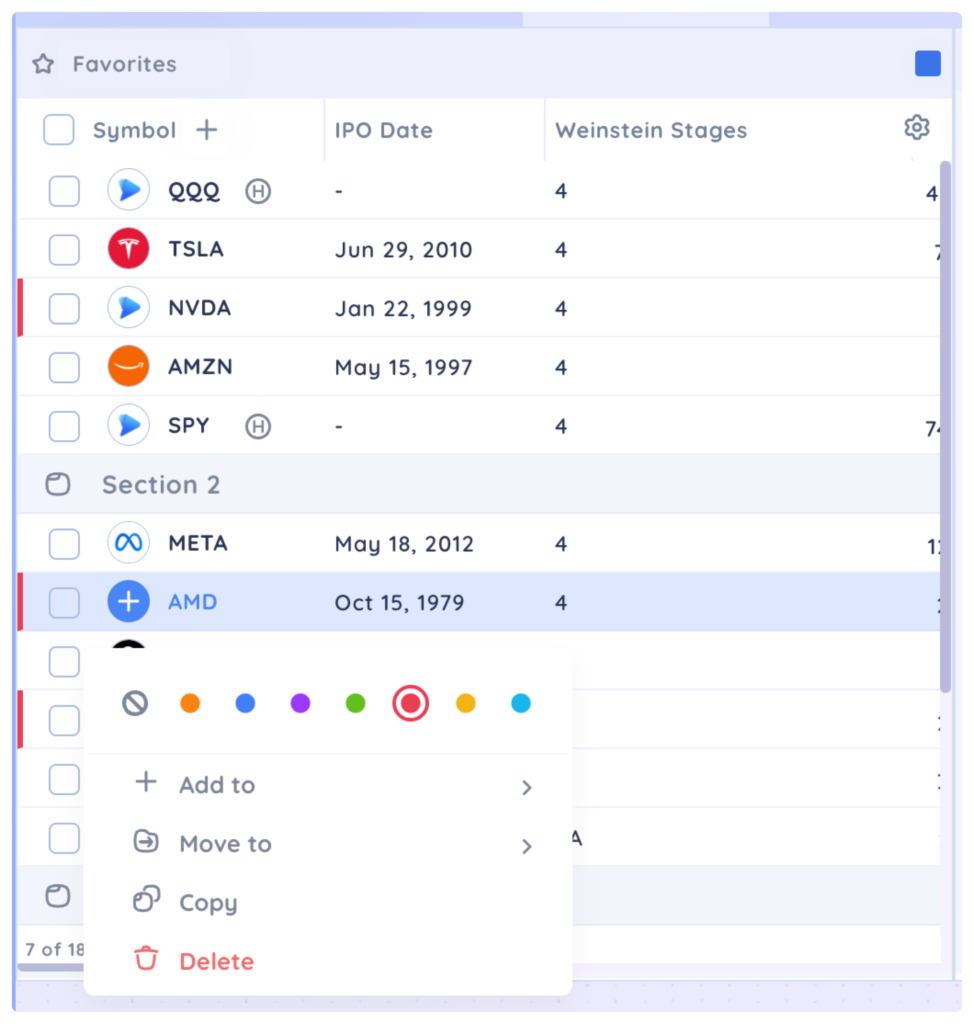
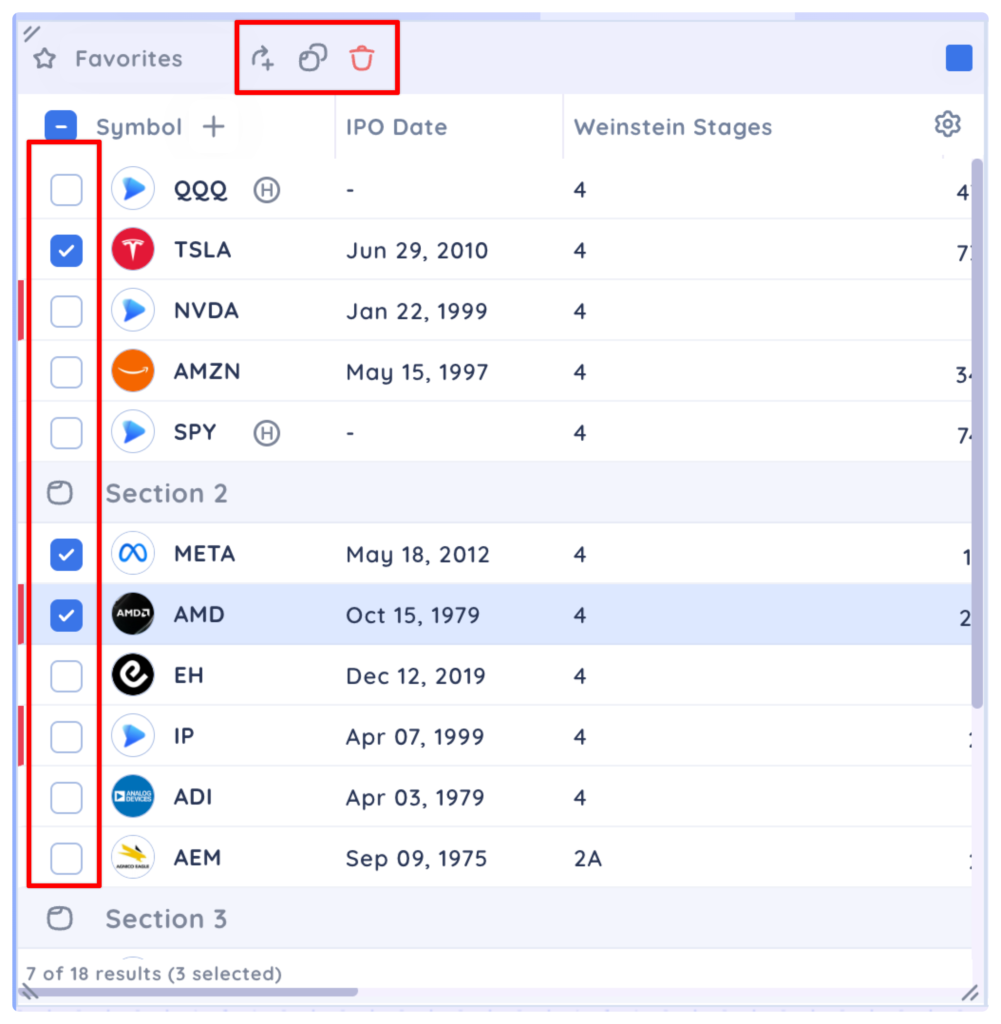
Use the checkboxes to select individual or multiple symbols then the Add To or Copy icons to add the selected symbols to another list. You can also delete the symbols from the current list with the trashcan icon.